

Interactive Digital Signage
Interactive Digital Signage Software and Touchscreen Displays
Build touch experiences — directories, wayfinding, donor walls, halls of fame, and self-service screens — in the Arreya Creative Studio, with no developer and no separate interactive platform to license.
What is interactive digital signage?
Interactive digital signage is a display someone can touch to choose what they see, instead of waiting for a playlist to loop around to it. A visitor searches a directory, taps a floor on a map, or opens a donor's story — and the screen responds.
That difference matters for content that is too large or too personal for a loop. A hall of fame with forty years of inductees or a hospital with six hundred physicians cannot be a slideshow. Touch turns it into something a person can search.

Touchscreen content creation, built in
Most digital signage platforms are built to play a sequence. Touch interactivity is where they stop, or where a separate product and a developer start. The Arreya Creative Studio treats touch as ordinary authoring: place a touch point, choose what it opens, publish.
- Drag-and-drop touch points on any element — no scripting
- Link touch points to pages, media, forms, or an external site
- Multi-page navigation with back and home behavior
- Idle timeout that returns the screen to its attract loop
- Searchable lists driven by a spreadsheet, so long directories stay maintainable
- Embedded forms, maps, live streams, and widgets
- Free templates to start from, including wayfinding layouts
- Unlimited user seats, so the whole team can publish
What you can build with touch
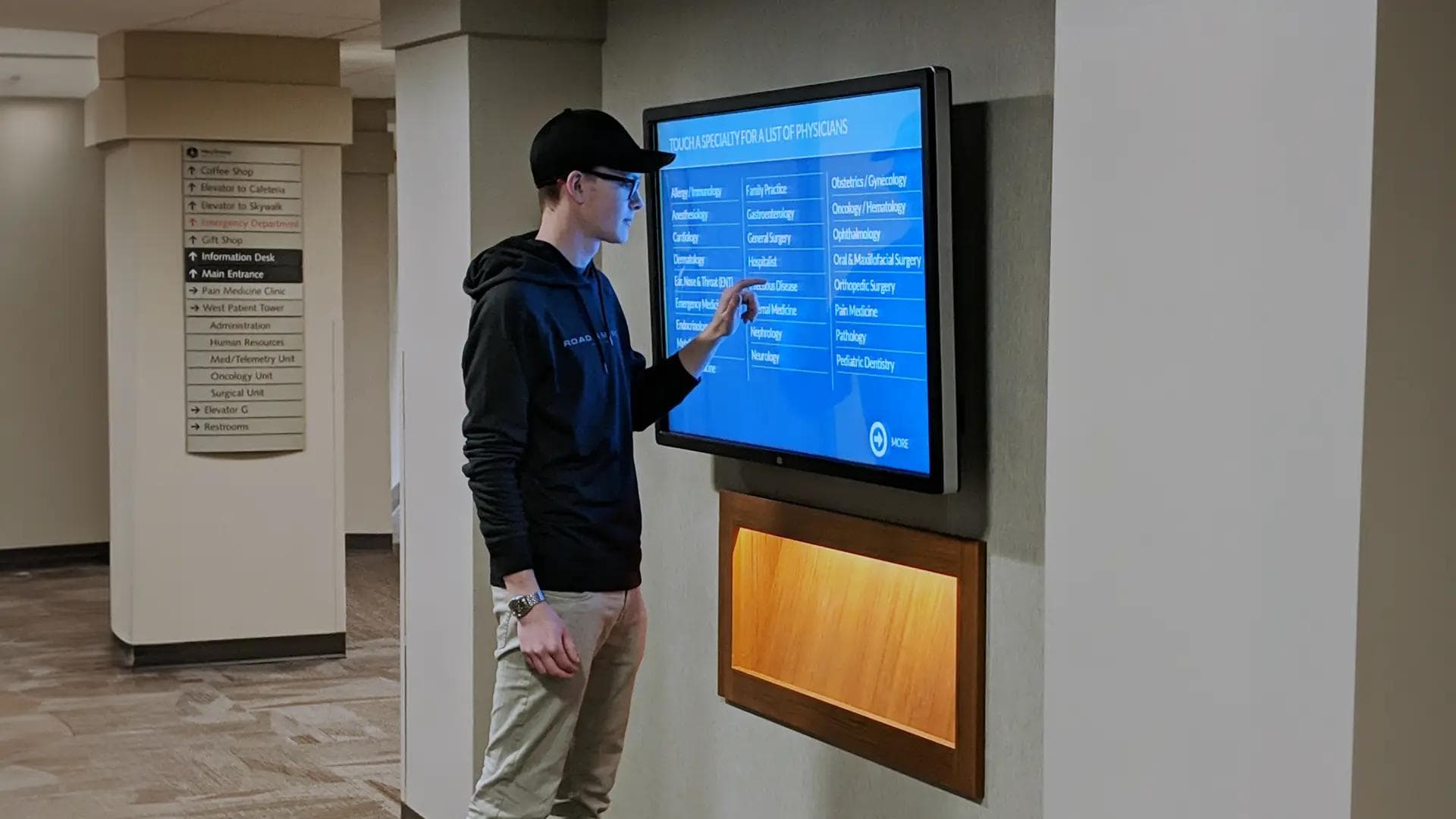
Interactive Directories
Let visitors search a building directory, a physician list, or a staff roster by name instead of scanning a printed board. Update an entry once and every screen reflects it.
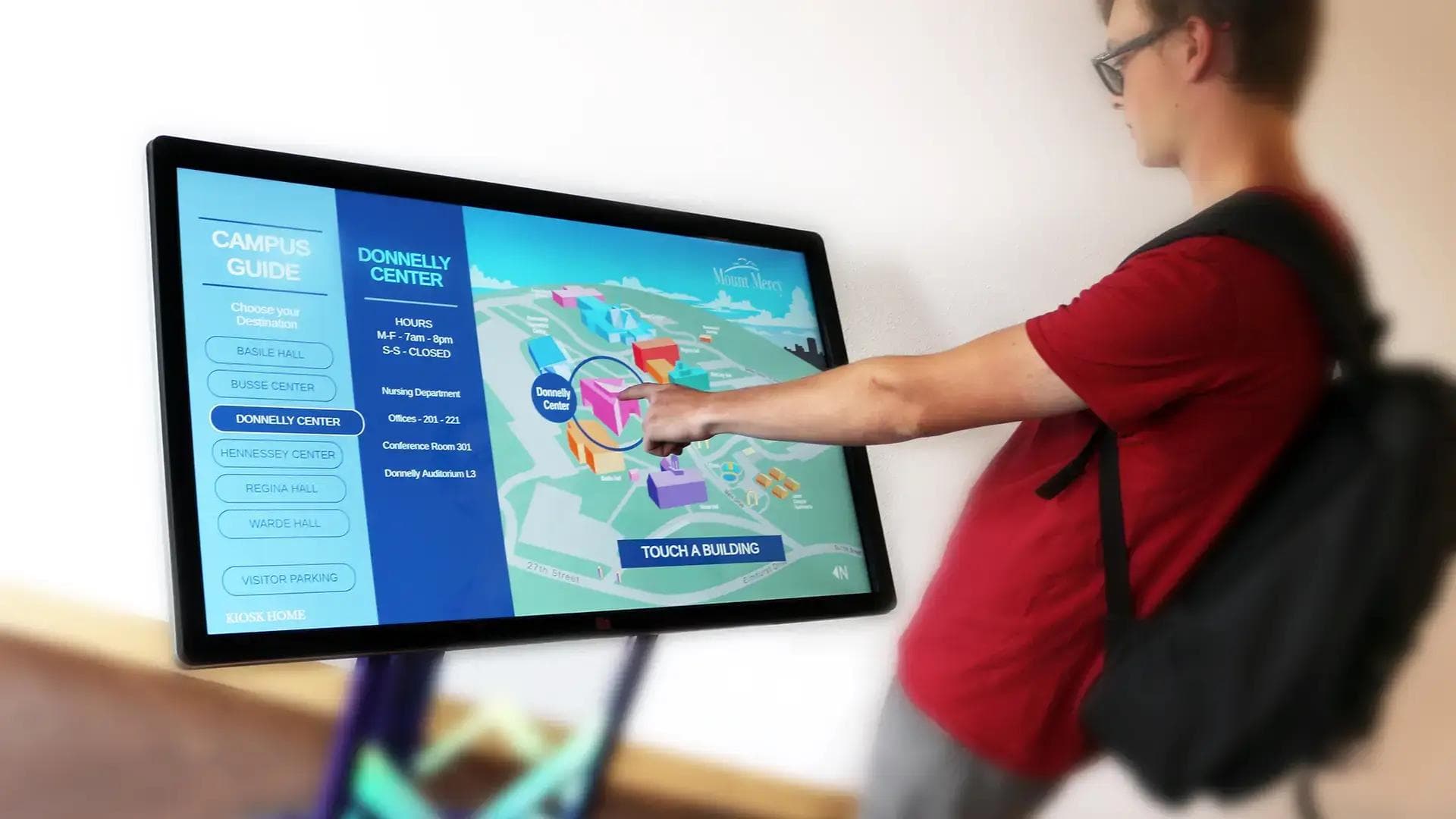
Touchscreen Wayfinding
Route someone from where they are standing to where they need to be, floor by floor. Touch maps handle the branching a static sign cannot.
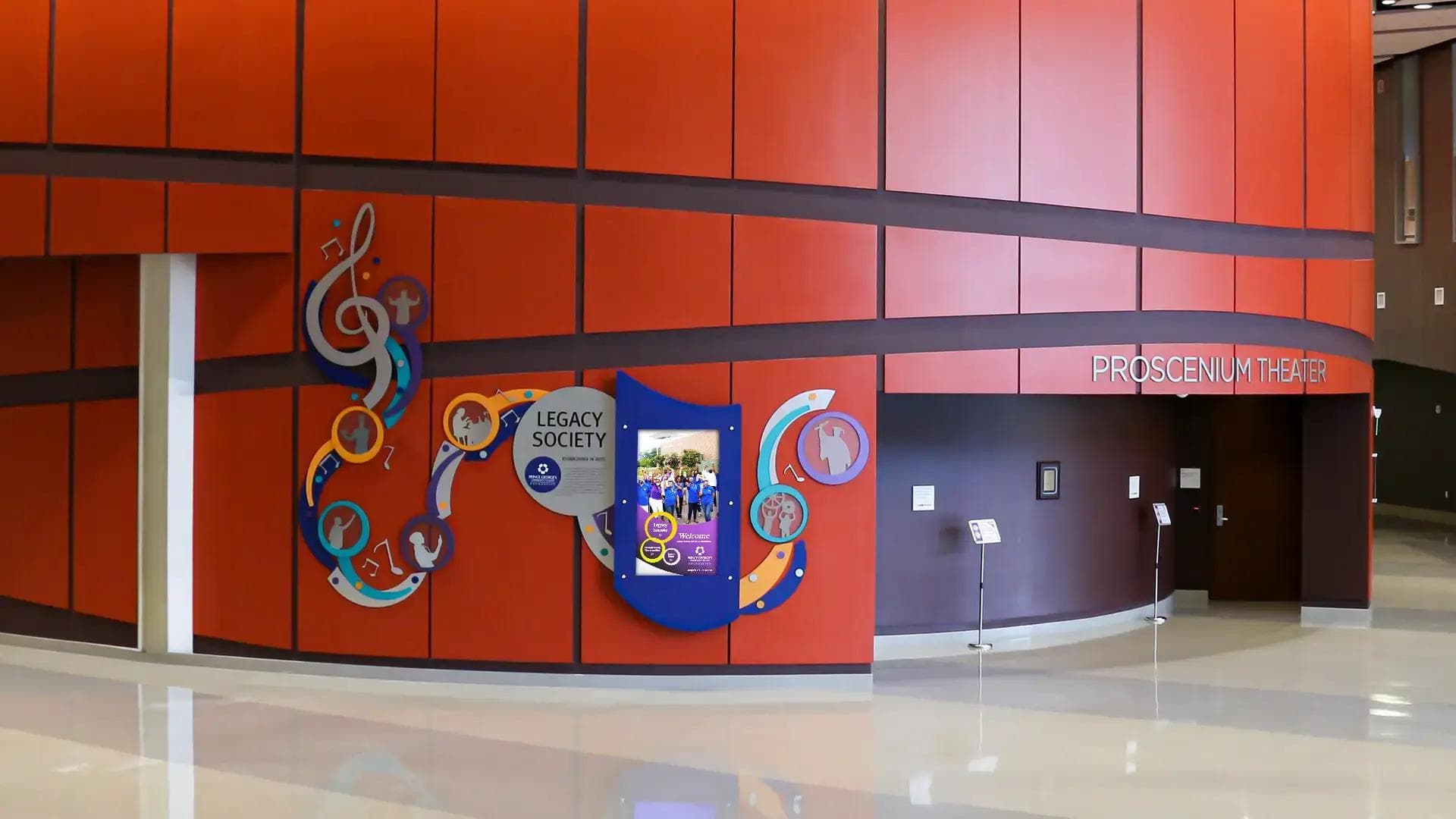
Interactive Donor Recognition
Give every donor a tap-through profile with photos, video, and the story behind the gift — and add new names from your desk rather than re-engraving a plaque.
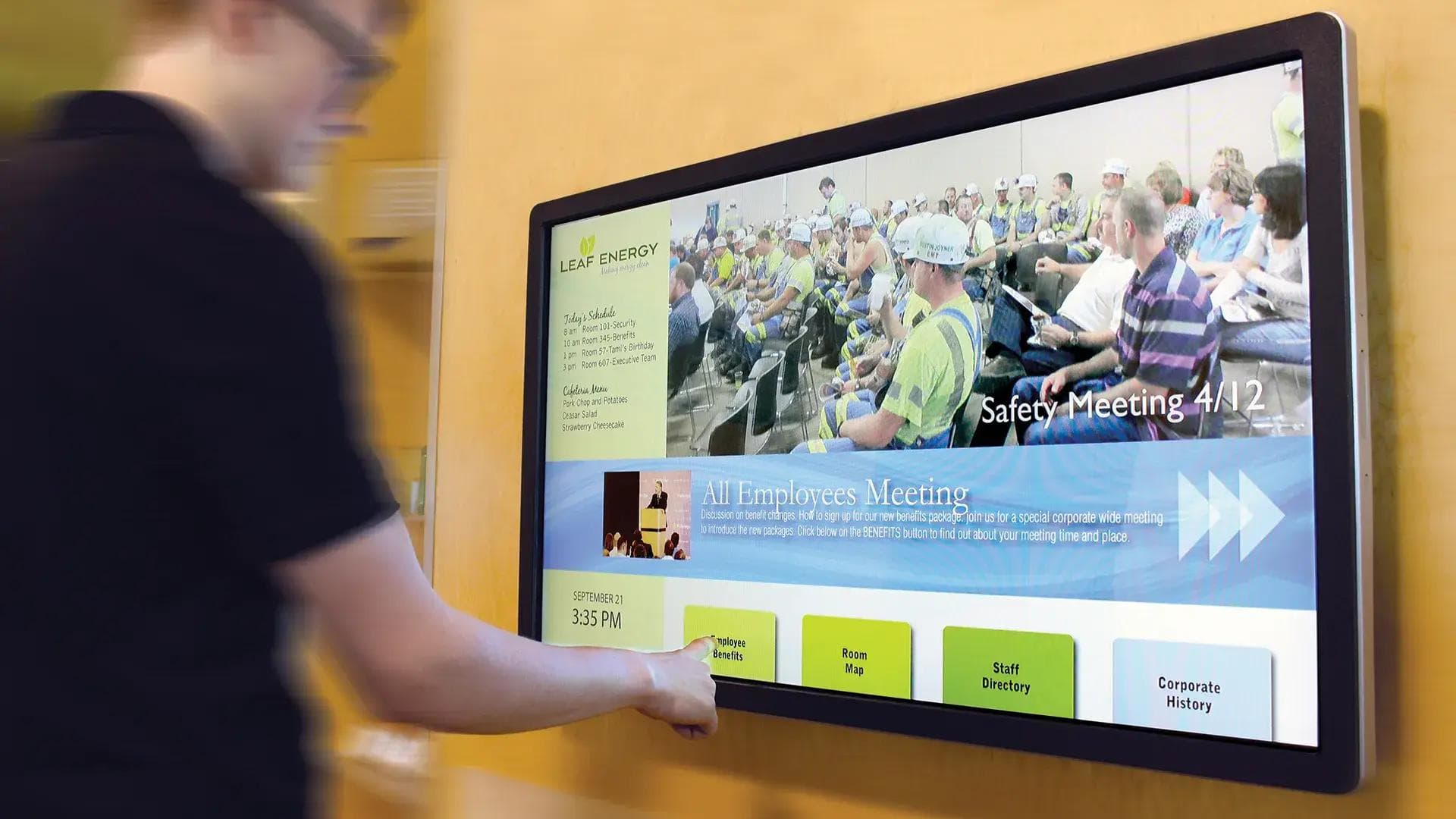
Employee Self-Service
Put shift swaps, benefits links, training sign-ups, and forms on a screen deskless staff already walk past, so they do not need a laptop to get to them.
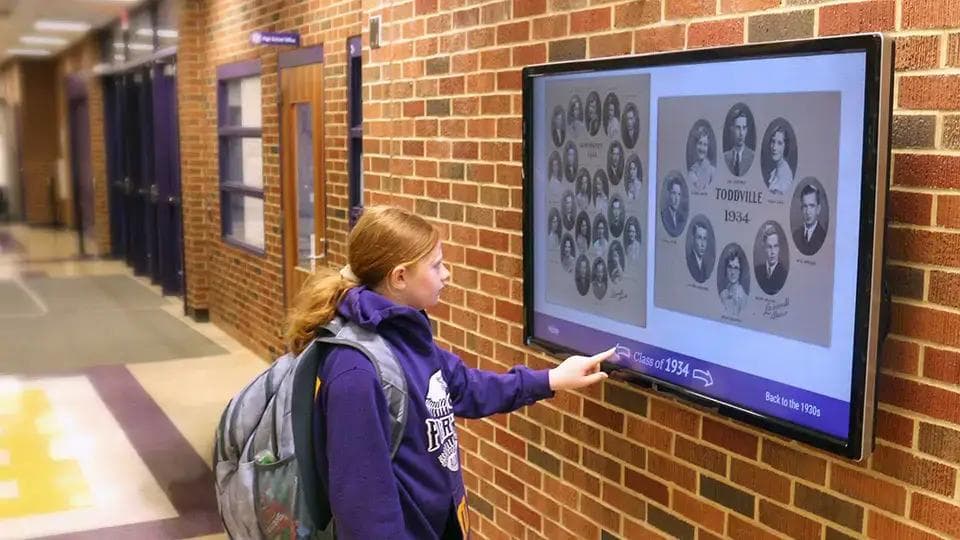
School Halls of Fame
Fit decades of athletics and alumni history into one wall. Visitors browse by year, sport, or name, and the record grows without a construction project.
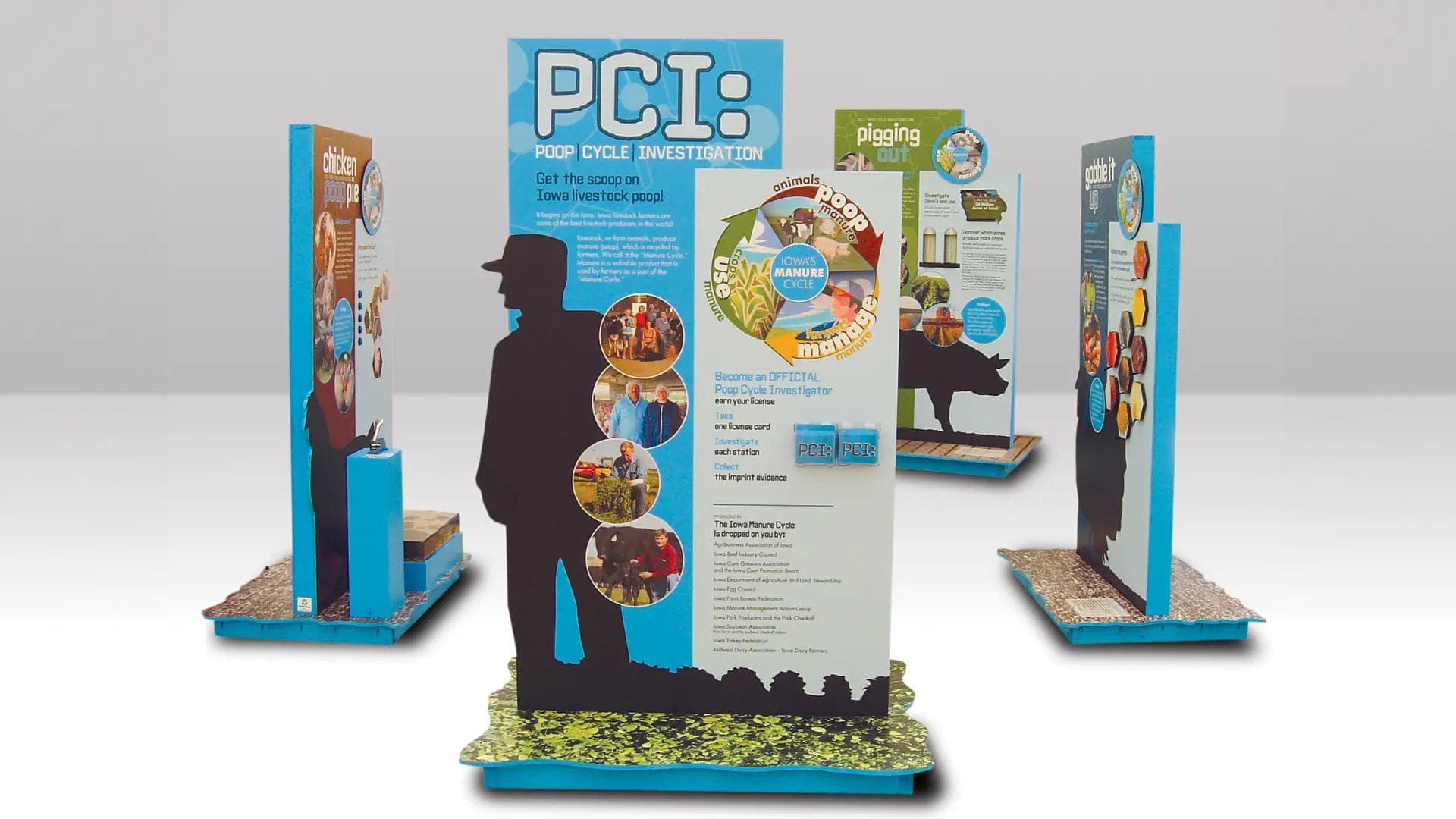
Self-Guided Exhibits
Let visitors explore artifacts, timelines, and exhibits at their own pace in museums, visitor centers, and public buildings.
Interactive installs we have built
Touchscreen kiosks, wayfinding, and interactive walls designed, fabricated, and installed by our team.


Hardware Compatibility
Touch works through the browser, so any commercial touchscreen your player can drive will work. Nothing here is proprietary to us.
- Capacitive and infrared commercial touchscreens
- ChromeOS devices, including Chrome Enterprise kiosk mode
- Windows media players
- Amazon Signage Stick and Fire TV devices
- BrightSign players, including video-wall-capable models
- Freestanding, wall, and counter kiosk enclosures we fabricate
What it costs
Interactive content is part of the subscription, not a separate tier. Licensing is per device per month with unlimited user seats, and a three-device minimum.
- $29.95 per device per month for 1–10 devices
- $24.95 per device per month for 11–20 devices
- No extra licence for touch, templates, or users
- Video walls are licensed per player, not per screen — one multi-output player driving a nine-panel wall is a single $29.95 device
- 14-day free trial, credit card not required with a scheduled demo
Put your hands on an interactive demo
Bring a floor plan, a donor list, or a directory and we will show you the touch experience built from it — then hand you the Creative Studio to try yourself.