

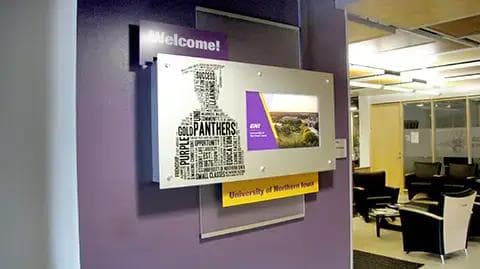
School Welcome Signage
Greet visitors with custom layered welcome displays and marketing messages.
Industries · Education
Keeping a busy K-12 campus or sprawling university connected requires a tool as fast and dynamic as your student body. Arreya provides a centralized, cloud-based platform to instantly broadcast daily announcements, celebrate student achievements, and deploy critical emergency alerts across your district — with an intuitive drag-and-drop interface and a secure, hardware-agnostic infrastructure.

Outdated paper flyers and cluttered bulletin boards can't compete for the attention of digital-native students, nor react during a crisis. Dynamic campus displays deliver highly visible, accessible messaging exactly when and where it's needed — from welcoming freshmen with clear wayfinding to instant, campus-wide safety overrides during a lockdown.
Get StartedGreet visitors with custom layered welcome displays and marketing messages.
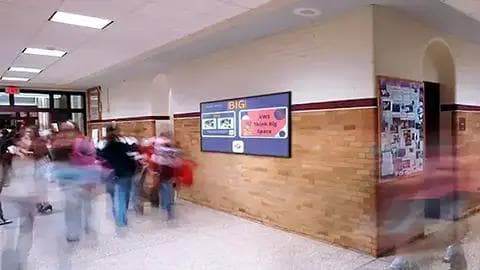
Keep students informed with news on large hallway displays.
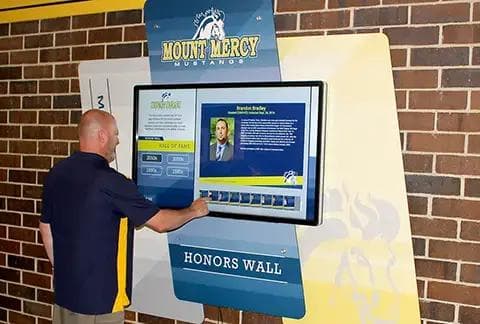
Let visitors search through years of athletic recipients on a touchscreen.
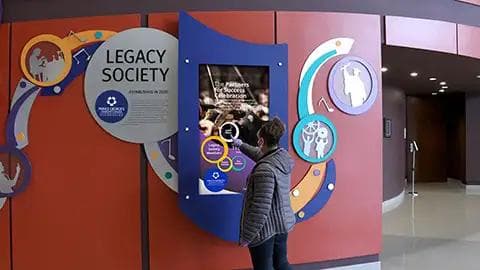
Transform a wall with cut-out graphics and a digital touchscreen donor display.
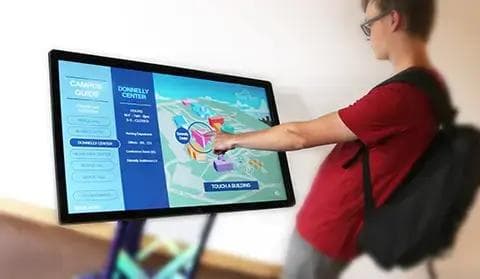
Help students navigate with a freestanding, movable wayfinding map kiosk.
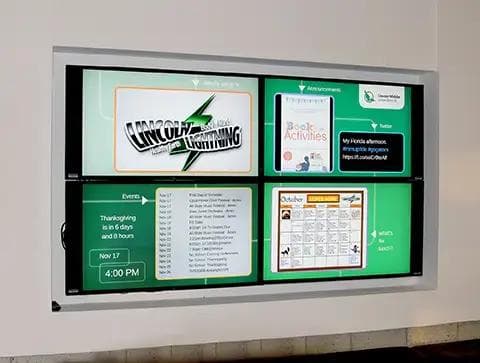
Show events, menus, and announcements across multi-screen video walls.

Run school news alongside menu items in lunchrooms.

Run a live feed of school events above auditorium entrances.
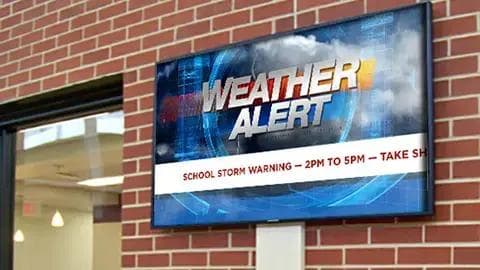
Push weather and emergency alerts to every screen instantly.
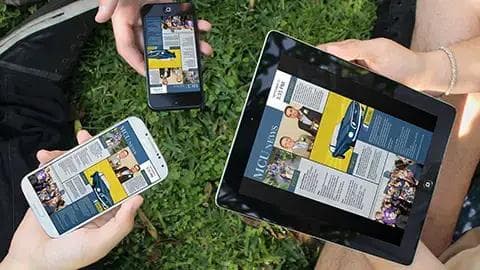
Reach students on phones and devices when they're not in the building.
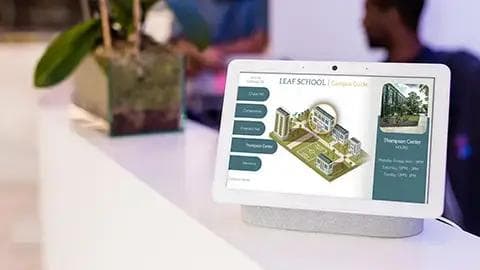
Provide tablets for visitors and students to search teachers and classrooms.
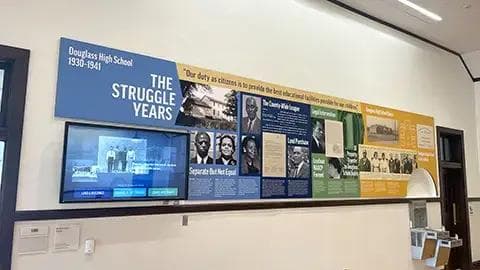
Add interest with a history touchscreen and graphic display.
Enterprise Digital Signage Software That's Easy to Use
Arreya combines a complete Creative Studio and dozens of features for creating, publishing, scheduling, and managing effective Digital Signage.

Arreya supports the wide-ranging needs of schools, educators, and foundations, and scales to meet your evolving engagement needs.
Digital Signage Beyond a Screen
To take your message further, our team can create a one-of-a-kind digital signage display with graphics that make your brand stand out — designed, created, and fabricated in-house.
Learn About DisplaysCompleted Installations


To go live you need just a few things: our software, a media player device, a screen, and an internet connection. Our team helps with the rest for a turnkey implementation.
Getting started is as easy as getting a subscription and setting up your account.
Choosing a device is essential to run your content — we can help you pick the right one.
We recommend and help you choose from a variety of screens and sizes for your location.
The one thing to set up in advance: an internet connection to launch your digital signage.
Arreya Digital Signage is platform-agnostic, so you are not locked into one vendor's hardware. Run it on the players and screens that fit the space and the budget.
Licensing is per device per month, with unlimited user seats on every subscription — so the whole team can publish without adding to the bill. There is a three-device minimum.
Book a walkthrough with our team and we will spec the screens, the player, and the enclosure for your space — then show you the content built in the Arreya Creative Studio.