

Cloud-first signage is a digital communication strategy that prioritizes online content management while utilizing local hardware to ensure displays keep running even if the internet connection drops.
In today’s fast-paced digital signage operations, relying on a cloud-based digital signage system is the standard for agility. However, the true test of a digital signage network isn’t how it performs when everything is perfect—it’s how it handles the “wobbles.” By choosing a cloud-first approach with edge resilience, businesses can manage screens across multiple locations with just a few clicks without fearing the dreaded black screen during an internet outage.
Key Takeaway: “The best digital signage systems don’t just recover; they recover well by caching media locally so your story never stops.”
What is the Cloud-First Approach?
A digital signage QR code is a scannable barcode image displayed on a digital sign that links physical A cloud-first approach means that all content creation, management, and scheduling are handled through a web-based content management system (CMS) rather than local servers.For large enterprises and nonprofits alike, this model eliminates the need for expensive on-site servers and heavy technical expertise at every location. Instead of manual updates via USB, users use cloud signage platforms to update content and schedule content globally.
Cloud Native vs. Cloud-First
While the terms are often used interchangeably, there is a nuance:
- Cloud Native: Software built specifically to live and breathe in the cloud environment from day one.
- Cloud-First: A strategic priority where companies choose cloud-based solutions as their primary management tool before considering on-premise alternatives.
What is Cloud-Based Digital Signage?
Cloud-based digital signage is a system where your media and playlists are stored on secure remote servers and delivered to digital displays via the internet.
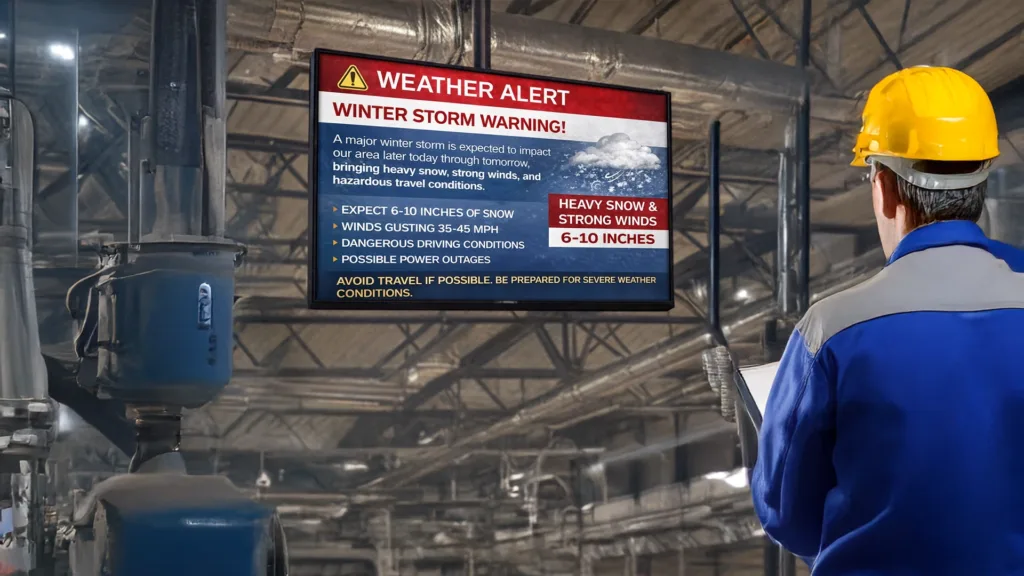
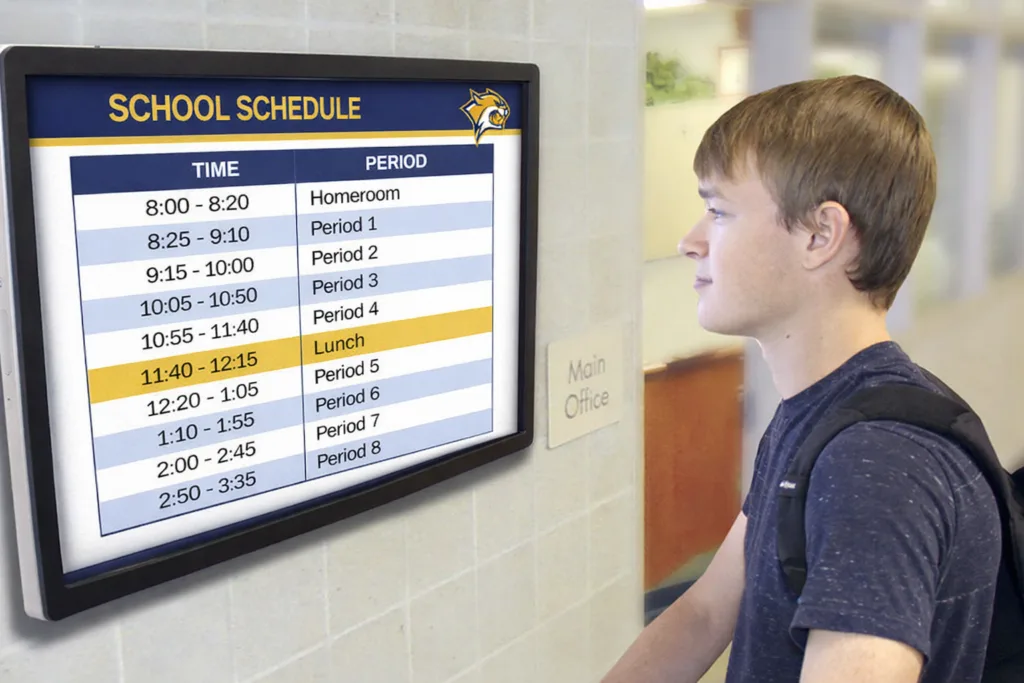
This cloud solution allows you to manage screens and multiple screens from a single dashboard. Whether you are displaying news feeds, safety alerts, or interactive content, the cloud provides the scalability to grow from one screen to thousands without a massive increase in hardware costs.
Components of a Cloud-Based System:
- Content Management System (CMS): The central hub where you create and manage layouts.
- Media Players: Devices like Chromeboxes or the Arreya Signage Stick that translate cloud data into signage on the screen.
- Digital Screens: The physical displays or digital screens that show your messages.
Edge Resilience: The Secret to 100% Uptime
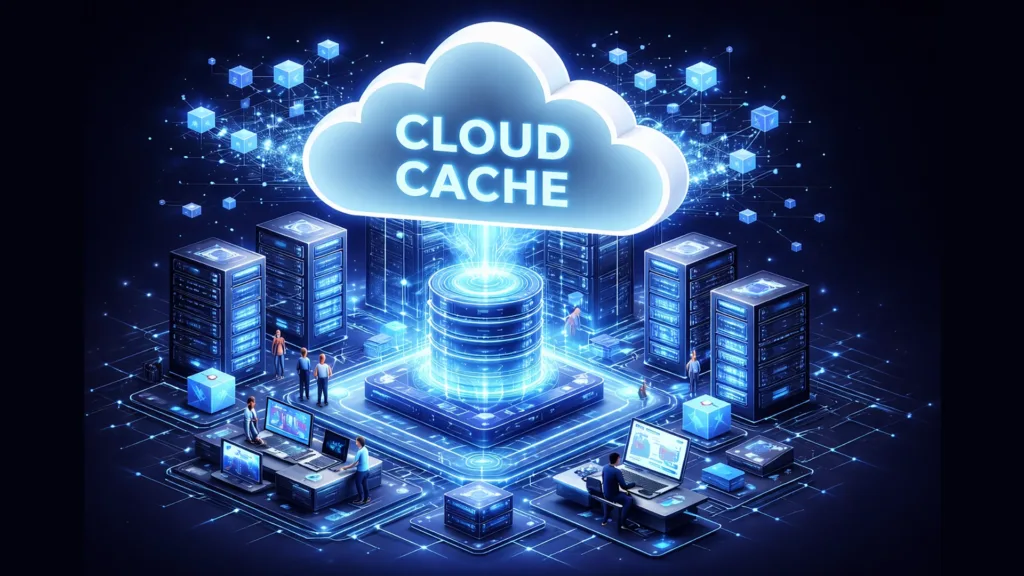
Edge resilience in digital signage refers to the ability of media players to store (cache) content locally, allowing playback to continue even during a total internet connection failure.
Most digital signage solutions claim to be “reliable,” but cloud-first signage is only as good as its local caching. When networks wobble, an edge-resilient player checks its local caching layer and continues to display content from its internal media library.
How Local Caching Works
- Download: When you schedule content in the cloud, the media players download the files immediately.
- Store: Assets like images, videos, and various industries’ templates are saved to the device’s system on chip or internal storage.
- Play: The device plays from the site storage, only pinging the cloud for real time updates or content updates.
Key Takeaway: With local caching, if the internet goes down for weeks, your signage keeps looping the last known playlist without interruption.
Why Arreya is the Best Digital Signage Provider for Resilience
Arreya stands out because it combines a 100% cloud HTML platform with robust offline play capabilities and US-based support.
While most platforms offer cloud features, Arreya’s digital signage software is designed to be user friendly for content creation while maintaining enterprise-grade security. We understand that IT managers need remote management that requires “zero lift” from their teams.
The Arreya USP Advantage:
- Creative Studio: A drag-and-drop content management suite that rivals professional design tools.
- Hardware Integration: From the proprietary RAILWALL® system to media players like the Amazon Signage Stick and Chrome Enterprise devices by Lenovo and Aopen, we provide turn-key solutions.
- Edge Reliability: Our offline play feature ensures that even if your site loses access, your brand remains visible.

Benefits of Moving Away from Traditional Systems
Traditional systems often rely on local servers or “on-premise” setups that are prone to single points of failure and high maintenance costs.
Switching to a cloud-first model allows businesses to save time and money by eliminating local servers and complicated setups.
| Feature | Traditional (On-Premise) | Arreya Cloud-First |
| Management | Manual/Local | Screens remotely |
| Scalability | Hard/Expensive | More screens in minutes |
| Maintenance | On-site IT required | Software updates automated |
| Uptime | High risk of failure | Edge resilience/Caching |
Frequently Asked Questions
What happens to my digital signage screens if the internet goes out?
If you use a cloud-based digital signage solution with local caching, your screens will continue to display content that was already downloaded. Features like live video or real-time news feeds may pause, but your primary loops remain active.
Is cloud-first signage secure?
Yes. Modern cloud signage platforms implement rigorous security measures, including end-to-end encryption, user roles with specific permissions, and secure single sign-on (SSO).
Can I manage screens in different locations? Absolutely. One of the primary benefits of cloud digital signage is the ability to manage and update content for different locations from any web browser.
Conclusion: Don’t Let a Bad Connection Dim Your Story
Embracing cloud-first signage with edge resilience ensures that your organization remains a “storyteller first,” regardless of technical hiccups.
By centralizing your content management in the cloud while empowering your media players at the edge, you achieve the perfect balance of control, security, and reliability. Whether you are looking to boost employee engagement or display critical safety alerts, Arreya provides the user-friendly tools to make it happen.
Would you like me to set up a free account so you can see how our Creative Studio handles your first screen? Email us at Support@arreya.com or call us at 319-294-6671.