
Coordinating school events can often feel like an uphill battle against ignored paper flyers, disruptive intercom announcements, and half-empty auditoriums. Today, educational institutions are discovering a smarter way to communicate. Manage and promote school events with digital signage to transform every screen on your campus into a 24/7 event command center, guaranteeing your important messages actually reach your audience.
With research showing that 96% of students notice digital signage immediately and can recall its content, switching from outdated methods to dynamic screens is no longer just a technology upgrade—it is a vital step in building a connected, informed, and highly engaged campus community.
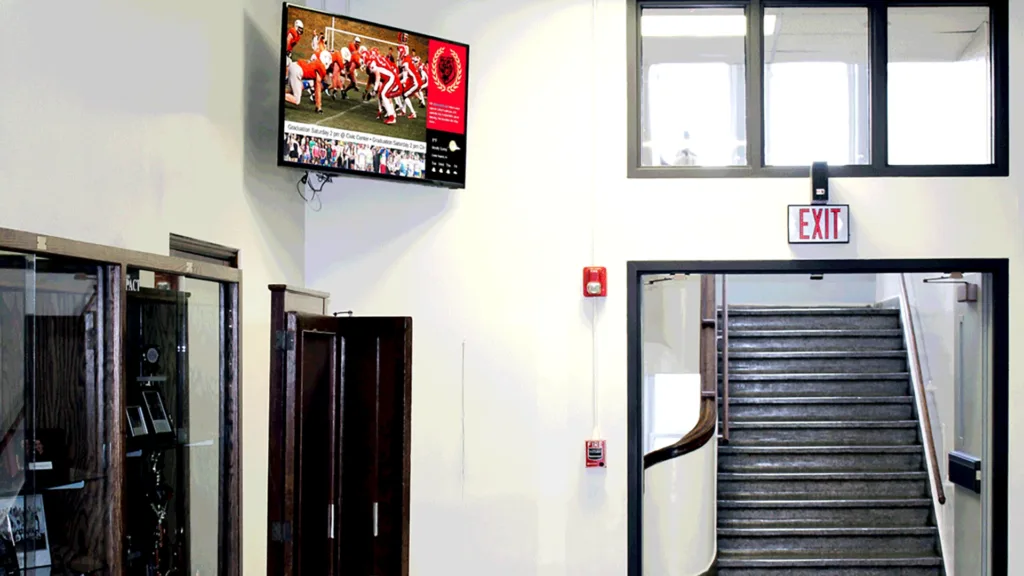
What is Digital Signage for Schools?
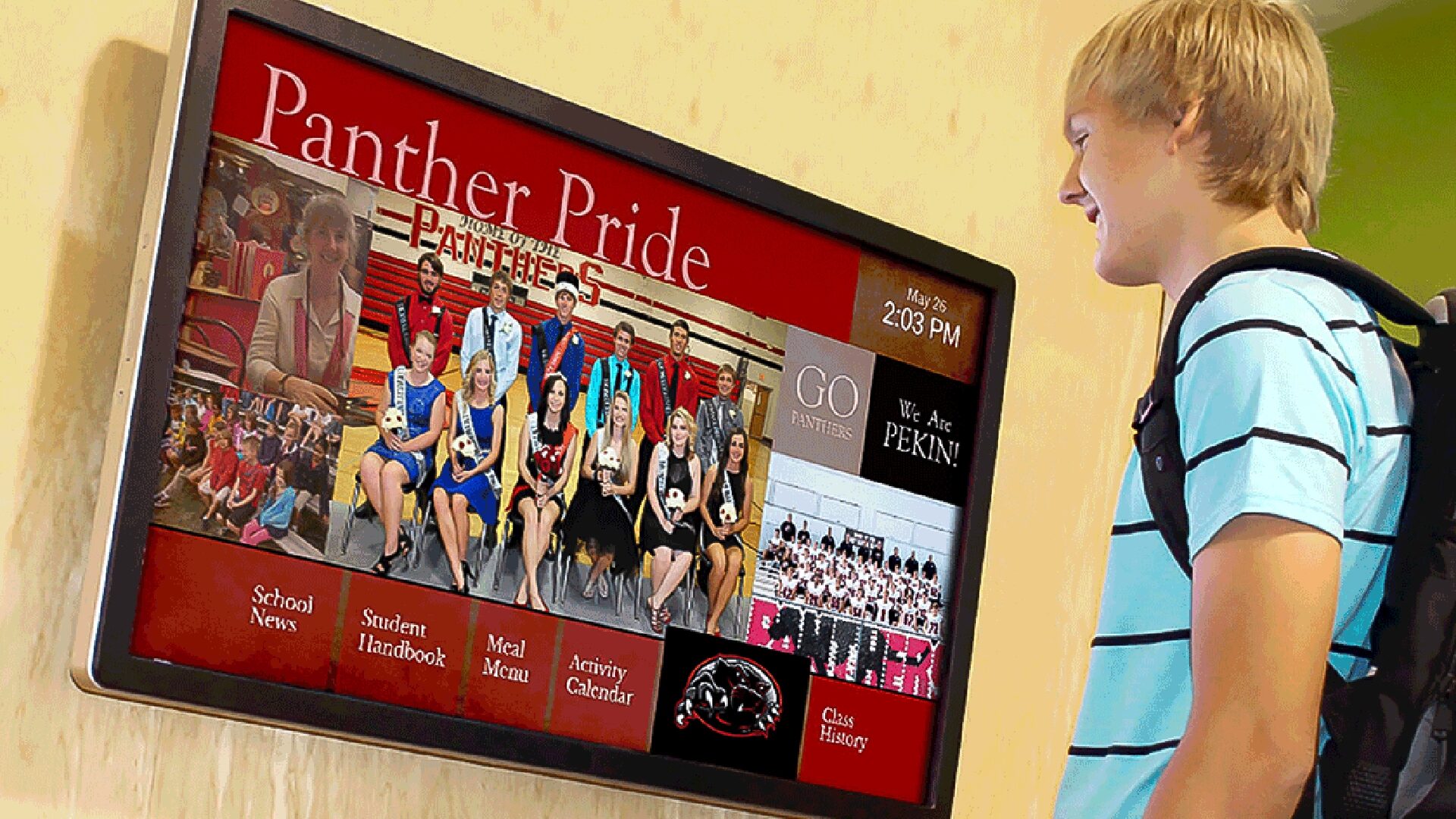
Digital signage for schools is a centralized communication system that uses modern digital displays to broadcast dynamic content, video, and real-time announcements across a campus. This replaces the need for manual, site-to-site updates with a remote, cloud-based platform accessible via any web browser.
As a trusted partner with nearly 30 years of experience, Arreya provides an all-in-one digital signage solution that combines powerful, easy-to-use software with unparalleled US-based support. We make adopting digital signage simple, allowing your team to focus on engaging students rather than troubleshooting technology.
Why Are Educational Institutions Adopting Digital Signage?
Educational institutions are adopting digital signage because it represents a massive leap forward in communication efficiency and campus modernization. In fact, nearly 70% of colleges in the US have installed digital displays to reach their student bodies. By using modern solutions, schools can instantly push relevant content to multiple screens, ensuring students, staff, and visitors are always informed.
How Does Digital Signage Replace Outdated Bulletin Boards?
Digital signage replaces outdated bulletin boards by swapping static, easily ignored printed materials for vibrant, moving multimedia content. Instead of cluttered corkboards, schools can use digital signs to rotate through dozens of important messages in the same physical space. Crucially, digital signage can reduce paper usage by as much as 90%, making it an eco-friendly and cost-effective choice.
What Makes the Best Digital Signage Software for Educational Use?
The best digital signage software for educational environments is cloud-based, highly secure, and requires zero coding experience to operate. It should offer a central location for content management, drag-and-drop design tools, and the flexibility to scale from a single screen to a network covering multiple schools. Arreya fits this profile perfectly, empowering anyone on your staff to become a communication pro.
What Are the Key Benefits of Digital Signage for School Events?
The key benefits of digital signage for school events include increased student attendance, streamlined day-of coordination, and a massive reduction in the manual labor required to promote activities. By placing highly visible screens in high traffic areas, you guarantee your messaging is seen.
How Can We Improve Student Engagement?
You can dramatically improve student engagement by incorporating interactive content and eye-catching animations into your displays. Studies show that interactive elements can increase student engagement by as much as 45%. Whether you are displaying trivia, polls, or QR codes linking to ticket sales, engaging content turns passive observers into active participants.
How Do Digital Displays Streamline Communications?
Digital displays streamline communications by allowing administrators to update event schedules, emergency alerts, and daily announcements from one dashboard in just a few clicks. This efficiency is proven; 62% of schools reported improved communication efficiency after implementing digital signage systems, freeing up staff to focus on higher-level educational goals.
Why is High Visibility Crucial for Event Announcements?
High visibility is crucial for event announcements because students have diverse learning styles and short attention spans. Placing large digital signage screens in cafeterias, lobbies, and hallways ensures that your upcoming events are impossible to miss, effectively breaking through the noise of daily campus life.
How Can I Create Pre-Event Promotion That Actually Works?
You can create pre-event promotion that actually works by leveraging dynamic content like live countdowns, exciting video teasers, and personalized student shoutouts. Transitioning away from paper flyers to digital signage content guarantees your promotions capture attention and build genuine anticipation.
What Dynamic Content Ideas Build School Spirit?
To build school spirit, use your screens to broadcast athlete spotlights, highlight reels from previous games, and behind-the-scenes footage of the school play. Seeing their peers celebrated on the big screen fosters a deep sense of community and school pride, encouraging greater student participation in upcoming school activities.
How Do We Use Digital Signage Screens for Ticket Sales?
You can use digital signage screens to drive ticket sales by displaying scannable QR codes alongside exciting promotional videos. By linking directly to your school’s digital storefront, you remove friction from the buying process, making it effortless for students and parents to purchase tickets while walking down the hall.
Why Showcase Student Work and Achievements Before an Event?
Showcasing student work and achievements before an event validates student effort and encourages their peers to attend to support them. Whether it’s displaying an award-winning art project or a high-performing debate team’s trophy, student recognition is a powerful, emotionally resonant way to market your educational institution.
How Does Digital Signage Software Simplify Day-of-Event Management?
Digital signage software simplifies day-of-event management by turning your school building into a responsive, real-time information hub. When rooms change, speakers run late, or emergencies occur, centralized control allows you to push updates to the entire school instantly.
Can We Display Event Schedules and Class Schedules in Real-Time?
Yes, you can easily display both event schedules and daily class schedules in real-time, pulling directly from integrated calendars. Arreya’s software allows for up-to-the-minute playback scheduling, ensuring that any last-minute adjustments to a sports game or an assembly are immediately reflected on every screen.
How Do Interactive Maps Guide Visitors on Large Campuses?
Interactive maps guide visitors on large campuses by providing touch-enabled, self-service digital wayfinding directly in the lobby. When prospective students or parents arrive for an open house, these interactive elements help them navigate complex hallways, locate the auditorium, or find the nearest restroom without requiring staff assistance.
What Role Do Emergency Alerts Play in School Safety?
Emergency alerts play a foundational role in school safety by overriding scheduled content to display critical instructions during a crisis. In seconds, digital signage technology can broadcast evacuation routes, lockdown procedures, or severe weather warnings to every screen, reinforcing the school’s commitment to protecting its students.
How Can Digital Menu Boards Enhance the Cafeteria and Concessions?
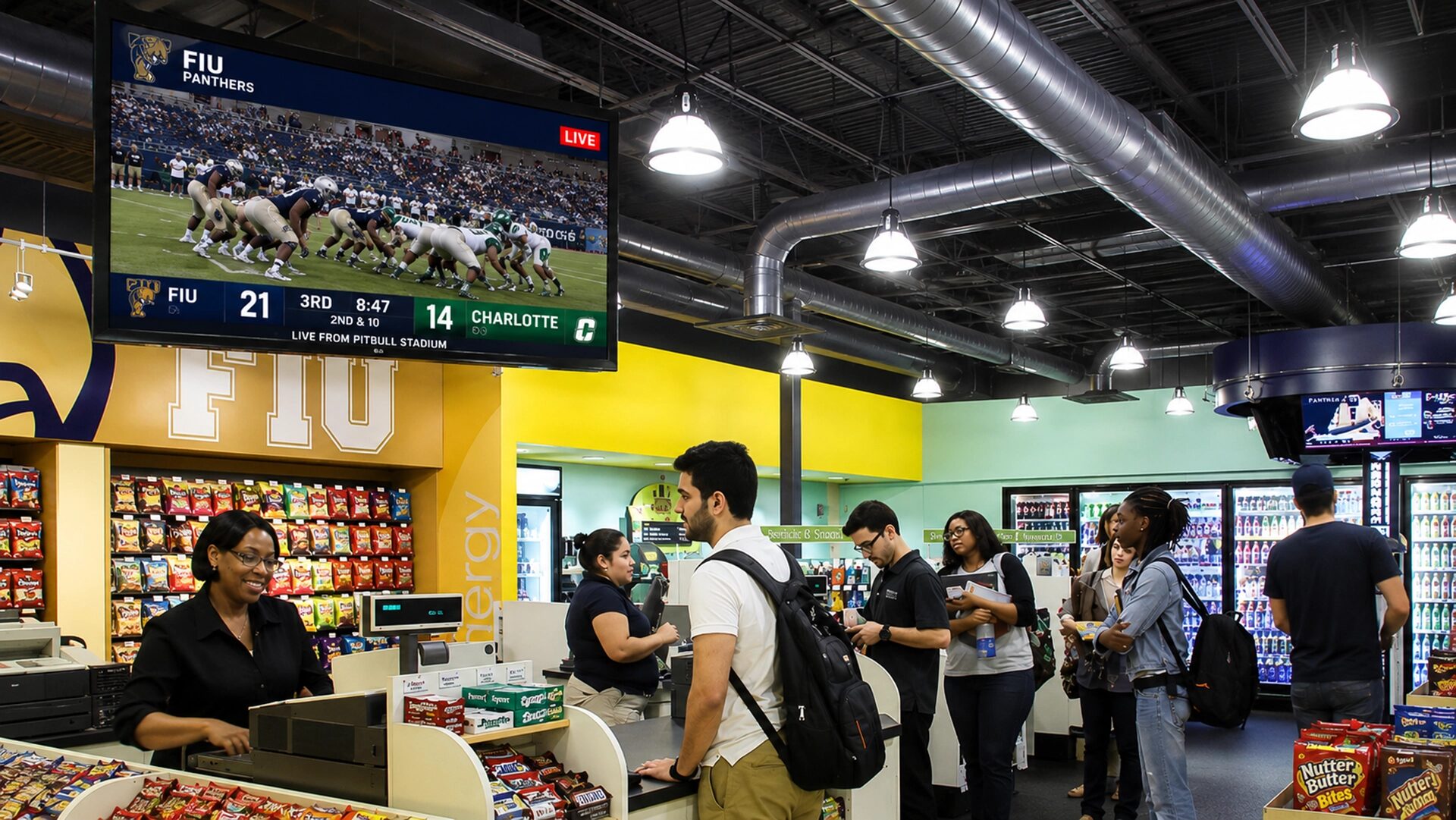
Digital menu boards enhance the cafeteria and concession stands by clearly displaying rotating daily specials, nutritional information, and healthy eating tips. During a big game, these vibrant screens can speed up concession lines and easily promote high-margin items to boost fundraising efforts.
Why is Livestreaming the Ultimate Campus-Wide Reach Tool?
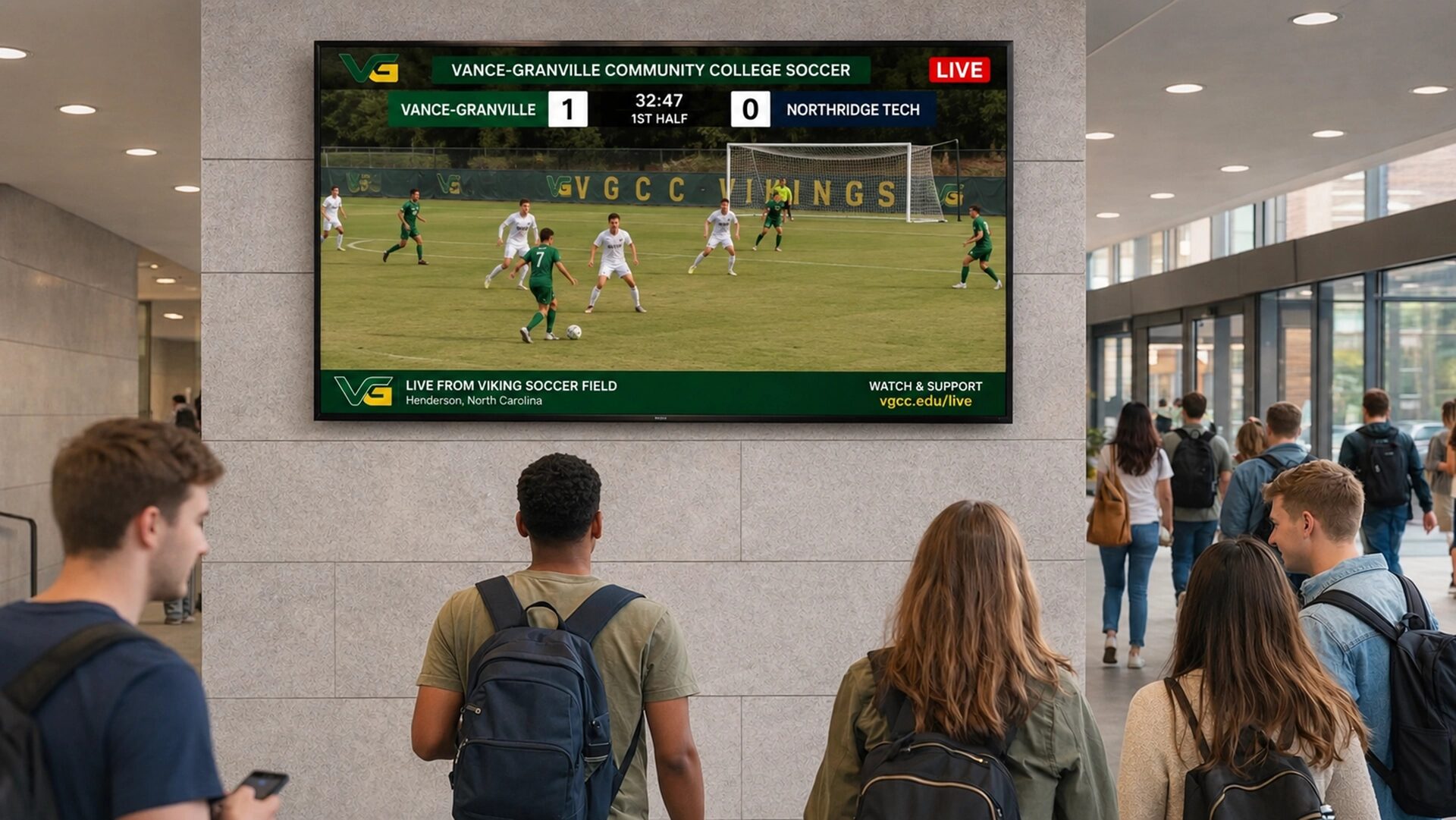
Livestreaming via digital signage is the ultimate reach tool because it allows you to broadcast live video content to every screen across your campus simultaneously. This ensures that no one is left out of an assembly, guest speaker presentation, or graduation, even if the main venue is at maximum capacity.
How Can We Broadcast Morning Announcements to the Entire School?
You can broadcast morning announcements to the entire school by routing a live camera feed through your digital signage solutions directly to screens in every classroom. This creates a highly engaging, television-like broadcast experience that students actually want to watch, replacing dull intercom read-outs.
How Do Multiple Displays Keep Students Informed During Assemblies?
Multiple displays keep students informed during assemblies by functioning as overflow viewing areas in cafeterias, libraries, and secondary gyms. By pushing the livestream to these ancillary locations, you maximize attendance safely and ensure that the message reaches everyone.
Can Video Content Connect Multiple Schools?
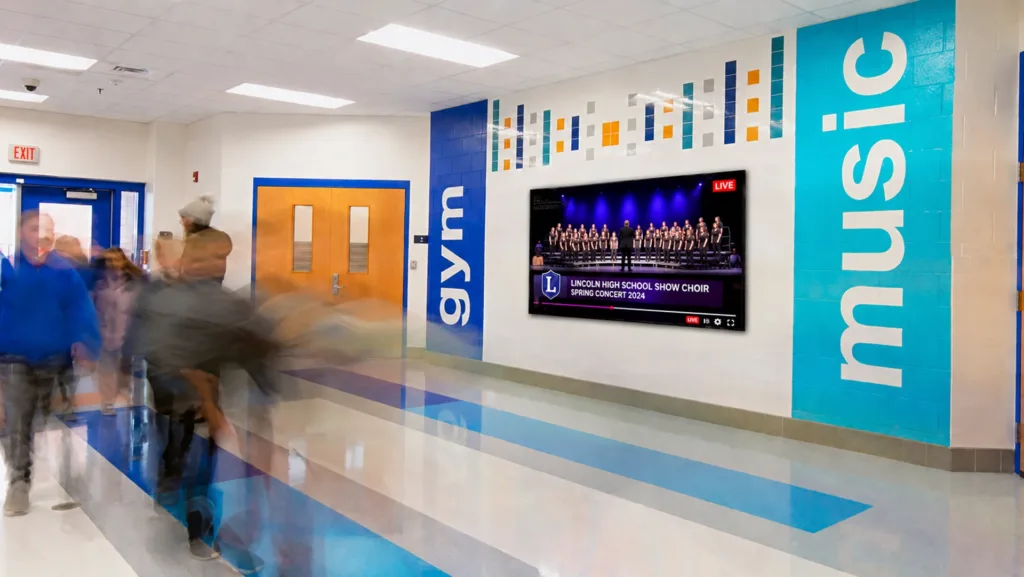
Yes, cloud-based video content can seamlessly connect multiple schools within a district. A superintendent can broadcast an important message, or high schools can share a major theatrical performance with their feeder middle schools, using centralized digital signage systems to foster district-wide unity.
What Are the Best Ways to Extend the Impact with Post-Event Content?
The best way to extend the impact of an event is to immediately follow it up with digital signage content that highlights the best moments, thanks participants, and teases the next gathering. This post-event strategy solidifies the memory and maintains momentum for future school events.
How Do We Continue to Inform Students After Sports Games?
You can continue to inform students after sports games by displaying final scores, action photography, and “player of the week” awards on your digital signs the following Monday. This sustains the excitement, rewards the athletes, and builds immediate hype for the next matchup.
Why Revisit Previous Lessons and Event Highlights?
Revisiting previous lessons and event highlights on your digital displays reinforces learning and community values. By displaying quotes from a guest speaker or short video clips from an educational assembly, you help cement the knowledge and ensure the valuable tool of the event isn’t forgotten the next day.
Traditional Event Promotion vs. Digital Signage Systems
Understanding the leap from analog to digital requires looking at the raw comparison of capabilities, costs, and effectiveness.
| Feature | Outdated Methods (Paper Flyers/PA) | Modern Digital Signage Solutions |
| Visibility & Reach | Limited to specific locations; often ignored. | Campus-wide, high-traffic visibility. |
| Speed of Updates | Slow; requires reprinting or interrupting classes. | Instant, real-time changes with no lag. |
| Student Engagement | Low; passive and static. | High; dynamic video, animations, and interactive content. |
| Resource Efficiency | High ongoing printing costs and manual labor. | Drastically reduces paper (up to 90%) and saves staff time. |
| Safety Integration | Non-existent or relies on slow PA systems. | Instant, visual emergency alerts across all screens. |
What is the Initial Investment vs. Long-Term Savings on Printing Costs?
While adopting digital signage requires an initial investment in hardware and software, the long-term savings on printing costs, toner, paper, and manual labor quickly deliver a strong ROI. By eliminating the constant churn of printed materials that end up in the trash, schools save money while operating more sustainably.
How Do I Choose the Best Digital Signage Software for Schools?
Choosing the best digital signage software means looking for a platform that balances enterprise-level power with everyday ease of use. You need a system that supports multimedia content, integrates with the tools your teachers already use, and provides reliable customer support.
Why is Centralized Control Important for Digital Signs?
Centralized control is important because it allows a single administrator to manage the content of digital signs across a large campus—or even many schools—from one computer. This ensures brand consistency, prevents outdated information from lingering on screens, and makes pushing urgent updates effortless.
How Does Google Calendar and Google Slides Integration Work?
Integrations work by securely linking your existing school accounts to your digital signage platform. With Arreya, you can pull in live Google Calendar event schedules or display Google Slides presentations directly on your screens. This means teachers can update their slides as usual, and the digital signs will automatically reflect the newest, most relevant content.
Real-World Content Ideas for Your Educational Institution
To get the most out of your investment, you need a robust strategy for displaying engaging content. Here are a few ways to leverage your screens daily.
How Do We Promote the Upcoming School Play?
Promote the upcoming school play by transforming your screens into digital playbills. Show behind-the-scenes rehearsal footage, cast headshots, and vibrant countdowns to opening night. Add a QR code so students can purchase tickets instantly, right from the hallway.
What Are the Best Ways to Use Interactive Elements for Prospective Students?
For prospective students touring the school building, use interactive elements like touch-screen campus tours, introductory videos from the principal, and interactive FAQs. This modern approach positions your school as forward-thinking and deeply invested in a premium student experience.
How Do We Get Started with Modern Solutions in Just a Few Clicks?
Transitioning from outdated methods to a state-of-the-art digital signage system doesn’t have to be overwhelming. With a cloud-based partner like Arreya, you can modernize your campus communications in a few simple steps.
- Identify High-Impact Locations: Audit your campus to find where students gather most—lobbies, cafeterias, and main intersections.
- Choose Cloud-Based Software: Select a platform that offers centralized control, easy livestreaming, and requires zero IT maintenance.
- Utilize Pre-Built Content Ideas: Jumpstart your deployment using free templates and integrations (like Google Calendar) to get relevant content playing immediately.
- Empower Your Team: Assign content creation roles. With intuitive drag-and-drop tools, marketing teams, IT staff, and even student groups can contribute.
- Go Live and Engage: Launch your dynamic content and watch as your school’s communication transforms from static and ignored to vibrant and engaging.
Partner with Arreya, you gain access to a platform built for the unique needs of educational institutions. With unlimited users, US-based support, and a complete suite of creative tools, your school has everything it needs to communicate brilliantly.