Arreya + ChromeOS:
Enterprise Digital Signage,
Simplified.
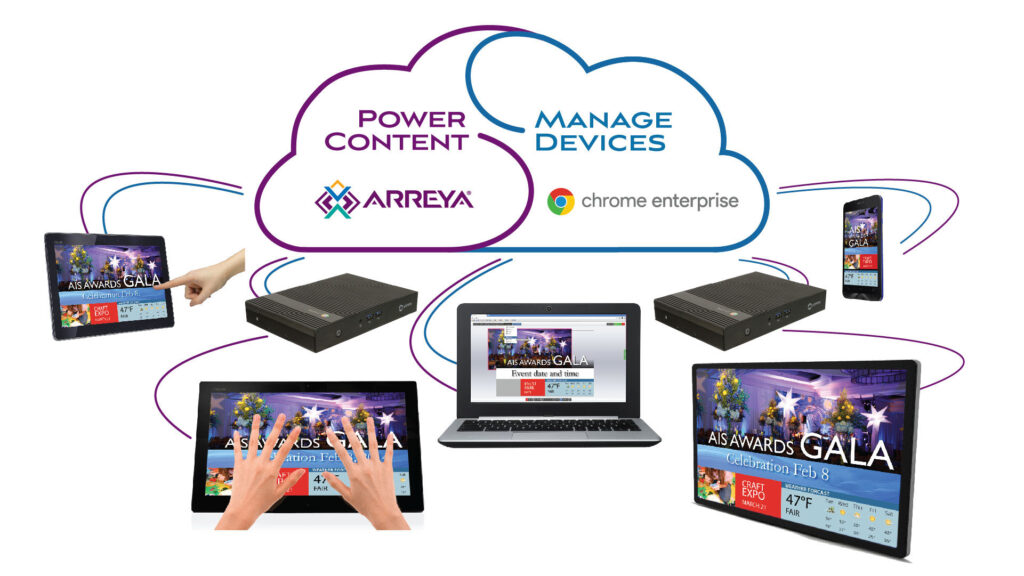
A Chrome Enterprise Recommended signage solution built for modern commuincations. Manage your entire network of screens from the Google Admin Console. You can trust that the information your customers and employees rely on is always visible, up to date, and right where they need it.
WHY CER MATTERS
Verified Performance. Enterprise Reliability.
Being “Chrome Enterprise Recommended” means Arreya has been rigorously tested by Google for performance, security, and stability. It’s the highest standard for ChromeOS digital signage — not a self-certification, but a validation that carries Google’s full endorsement.
- Verified Security
- Performance Tested
- Enterprise stable
THE IT DIRECTOR'S DREAM
Built for the People Who Keep Communications Running
Zero-Touch Deployment
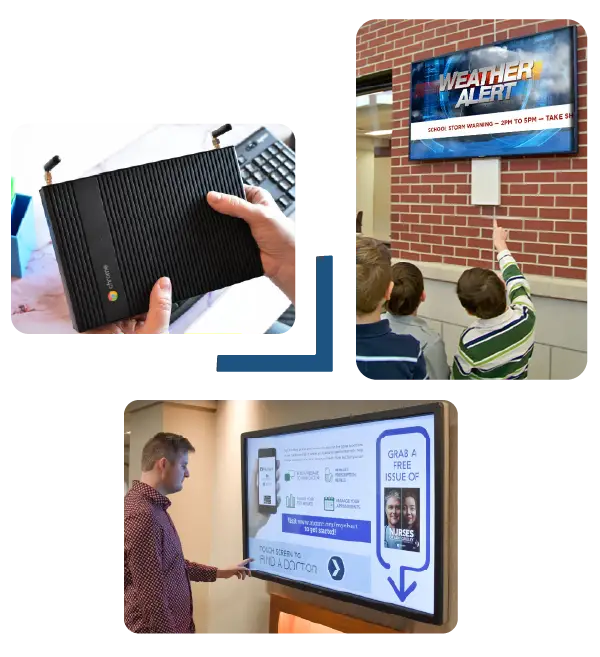
Enroll your Chromeboxes once and manage them forever. Update apps, check health status, and reboot screens remotely from the Google Admin Console.
10-Year Support (AUE)
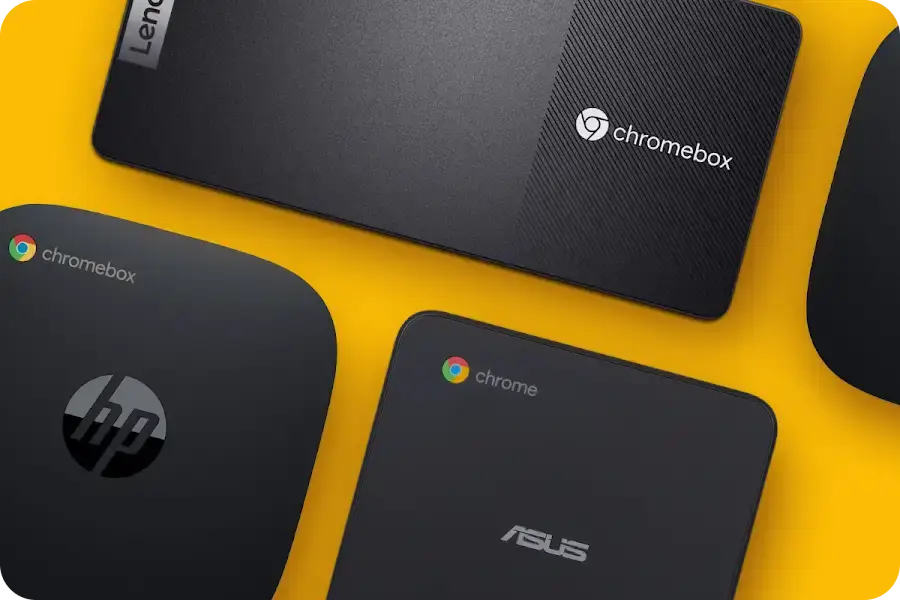
Unlike consumer sticks, Google Chromeboxes offer up to 10 years of Auto Update Expiration (AUE). It’s a hardware investment that pays for itself over a decade.
Enterprise-Grade Security
Benefit from ChromeOS's sandboxed environment and multi-layer security. Protect your network from unauthorized access, executable flies and "bad actor" content.
The ChromeOS Device Edge
Power Your Vision with Enterprise Devices.
Wired Ethernet
Rock-solid stability for 24/7 high-traffic displays. Never rely on spotty Wi-Fi for mission-critical campus communications.
Dual 4K Support
Drive two screens from a single device for video walls or kiosks — halving hardware costs without halving your impact.
Fanless Cooling
Industrial-grade builds that survive in cafeterias and gymnasiums. No noise, no moving parts, no maintenance headaches.
Native Arreya App
Optimized for ChromeOS to ensure seamless playback of video and interactive widgets — no browser hacks, no workarounds.
ChromeOS Digital Signage Success



Integration & Workflow
We've Made it Easy to Connect to Your Google Ecosystem.
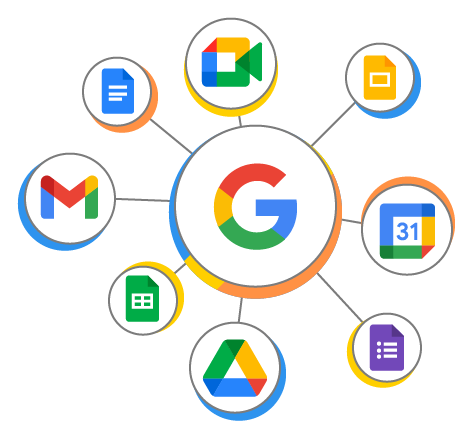
Use Arreya’s built-in widgets to seamlessly connect existing Google workflows and content directly onto your screens—no complex setup required. Whether you’re pulling in data from your sheets, displaying real-time charts, or showcasing upcoming events, Arreya makes it simple. Pull live data directly onto your screens. No manual updates. No outdated content. Just always-current displays.
- Google Sheets
- Google Calendar
- Google Slides
- Google Forms
- Google Charts
- Google Maps
Ready to Scale?
ChromeOS is a Proven Enterprise Solution - It's Worth it.
Optimize uptime and eliminate blank screens with an OS shown to have 26% fewer outages and 34% faster outage resolution than other operating systems. Control updates and opt into long-term support channels to ensure reliability and reduce interruptions.
Save hours in downtime and unlock additional time savings with remote device access. Take screenshots, adjust the volume, install and configure apps, remotely troubleshoot, and reset or disable devices from anywhere via the Google Admin console.
Use the ChromeOS digital media player to display content. Make your existing hardware easier to manage by converting it to ChromeOS Flex at no cost.
ChromeOS automatically blocks harmful executables and safeguards system files, preventing ransomware and other threats. Regular updates ensure your devices stay protected against emerging vulnerabilities.
Arreya: A Chrome Approved Software
Confidently Manage Your Content - It’s Easier Than You Think
Arreya is one of Chrome’s approved content management providers, giving you a secure and seamless way to manage screens. Arreya also provides all the tools, reliability, and performance needed so you can create professional content and run digital signage deployments.
Arreya’s intuitive Creative Studio makes it easy for anyone to design and manage eye-catching digital signage without needing advanced design skills. With a drag-and-drop interface, customizable templates, and built-in widgets, users can quickly create dynamic, on-brand content that keeps screens fresh and engaging.
Update, schedule, and monitor screens across multiple locations from one user-friendly dashboard—because your story deserves to be heard right now.
Go beyond static. Integrate live data feeds, weather, news, social media, videos, and create interactive experiences that draw people in.
From one screen to hundreds, Arreya grows with you. We meet you where you are, offering software-only solutions if you already have hardware.
Together, ChromeOS and Arreya software create a enterprise level digital signage solution—reliable, secure, easy to use. With Arreya’s two decades of experience and our modern, cloud-based platform which even includes a Creative Studio, professional digital signage is eaier than ever.
Real digital Signage Results
PACCAR Case Study
PACCAR needed to replace traditional, easily ignored safety boards with a high-impact, permanent communication method. The goal was to move beyond static signs to a dynamic system that could reinforce the 5S methodology (Sort, Set in order, Shine, Standardize, Sustain) while celebrating the “human side” of safety—specifically the families employees go home to every day.
PACCAR utilized Arreya as a full-service partner to design, build, and install custom-fabricated safety walls that seamlessly integrate digital screens. This turnkey solution allows HR to push real-time safety stats and family photos to screens across multiple plant locations.
By featuring slideshows of team members’ families alongside safety KPIs, the display became a “statement piece” that employees actually stop to watch. The project successfully bridged the gap between corporate goals and personal accountability, leading to a measurable increase in engagement.
Arreya’s software requires zero lift from IT teams to manage daily content. PACCAR’s HR team uses the Arreya Creative Studio to remotely update messaging, schedule presentations by shift, and push live content to the floor instantly.
PACCAR achieved a professional, “Fortune 500” look with significant operational efficiency. The longevity of the proprietary hardware systems ensures the investment stands the test of time, while the software provides an unlimited number of user seats, allowing the whole team to contribute to a safer workplace.
FAQs
Find answers to our most frequently asked questions and please don’t hesitate to contact us if you need more information.
About ChromeOS for Digital Signage
What does "Chrome Enterprise Recommended" actually mean
It means Arreya has been vetted, verified, and optimized by Google’s own engineering teams. We’ve met their highest standards for security, stability, and performance on ChromeOS. When you see the CER badge, you’re seeing a guarantee that Arreya won't just "run" on your Chromeboxes—it will excel, providing a 24/7 reliable display that stays within Google’s secure framework.
Can I manage Arreya screens directly through the Google Admin Console?
Yes. This is the "Zero IT Lift" advantage. Because Arreya is built natively for ChromeOS, your IT team can manage every screen as a Chrome Kiosk device. You can check device health, force updates, set reboot schedules, and manage security policies across your entire network.
Does Arreya support Zero-Touch Enrollment for large deployments?
How does Arreya integrate with my existing Google Workspace apps?
Why should we invest in Chromeboxes instead of cheaper consumer sticks?
Is Arreya compatible with the new Google ChromeOS Flex?
About Arreya
Is Arreya easy to learn if I’m not a tech whiz?
Absolutely! Arreya’s Creative Studio is designed to feel like a warm handshake, not a hurdle. Many find it as easy as PowerPoint or Canva. The JBS Sports Complex team was creating content after just 45 minutes of training! No tech skills? No problem.
What kind of amazing content can I display?
Your creativity has no limits! Images, videos, web pages, PDFs, live data feeds (news, weather), social media, interactive experiences, and so much more.
Can Arreya connect with my other systems or data sources?
Arreya is wonderfully flexible. We often integrate with calendars, internal data dashboards, and more. Let’s talk about your specific needs! This is key for IT and Marketing pros.
How tricky is the setup?
It's designed to be a breeze! As you saw above, it's a simple 3-stage process that usually takes just minutes.
Arreya Provides Software Solutions
plus professional services to design and build surrounds and enclosures.
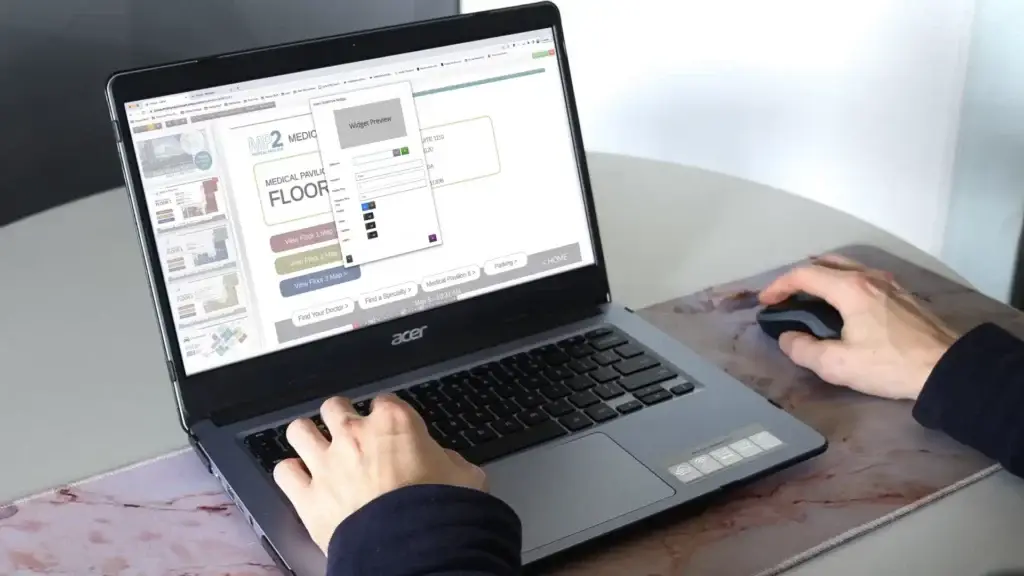
Software For Kiosks and Displays
Arreya’s digital signage software was developed to make content creation and design easy for anyone. The straightforward user interface is drag-and-drop and the Creative Studio is a fully-loaded design suite. Most users can create presentations in as little as 10 minutes. Plus our solution comes with integrated widgets that makes adding slideshows, videos, photos and more easy with a click.
With the included Creative Studio, users can design and craft custom graphics and create branded presentations. We supply a vast library of available templates to get your team started or they can create their own design. Our Design Team can also create a custom template for you.
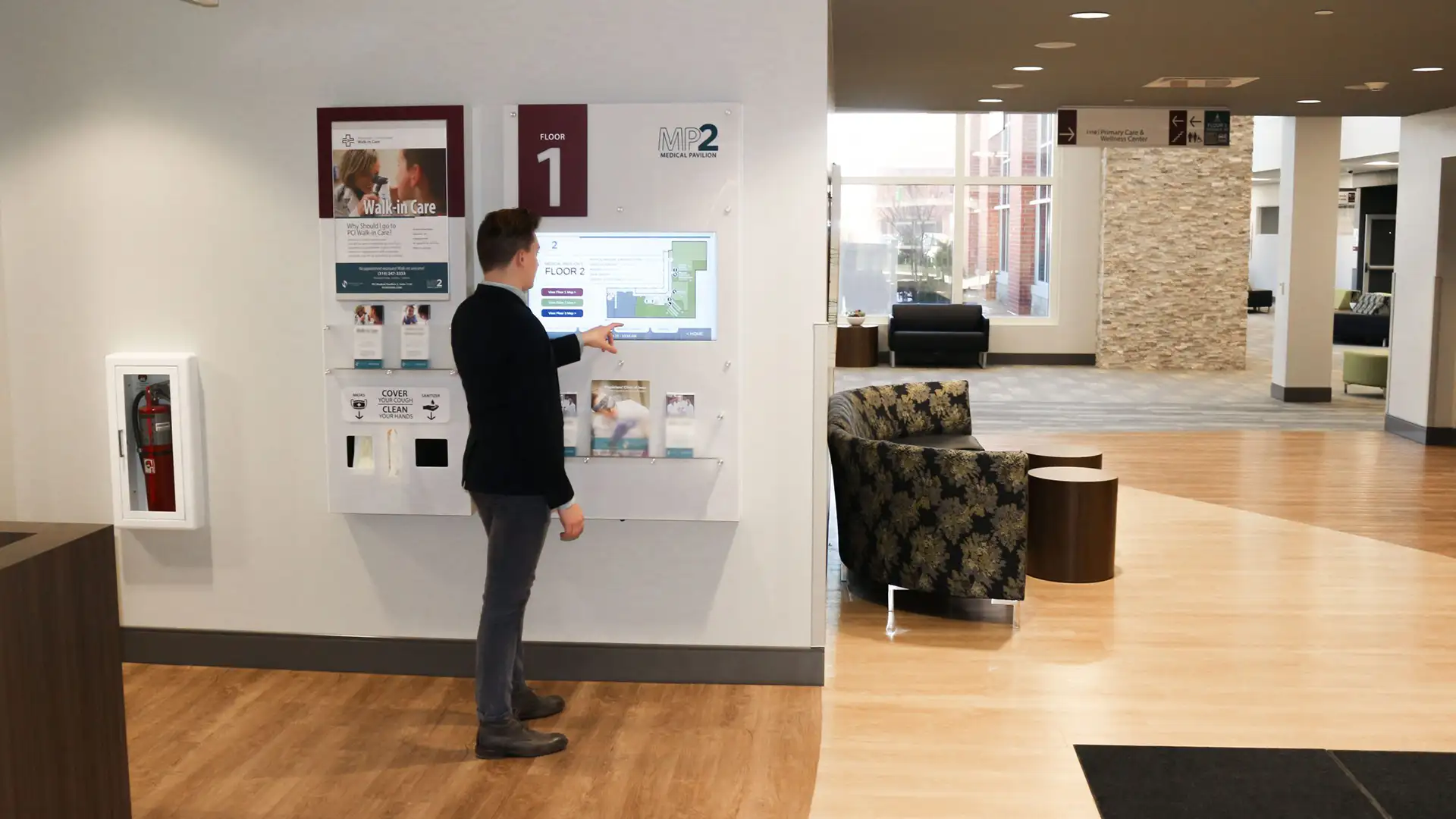
With the included Touch widget, easily convert any presentation into a touch compatible design. With zero limits, staff can make any graphic or element a touch object.
Once a design or presentation is ready, publishing to a digital signage screen or screens in multiple locations is simple. When pushed to “Live” it auto-magically updates every screen paired to your subscription. What you see in the Creative Studio editor, is exactly what is published to screens.
With Arreya you can schedule presentations up to the minute, prioritize a presentation without disrupting the queue, select specific days to play a presentation and so much more.
Remote management from a single dashboard from any computer
Easily manage accounts and signage updates from the Arreya main dashboard. Know all your devices are online, add or remove devices, and refresh screens. Also manage users and preferences–all remotely and online from the convenience of any desktop computer from work or home.
Add-On Services
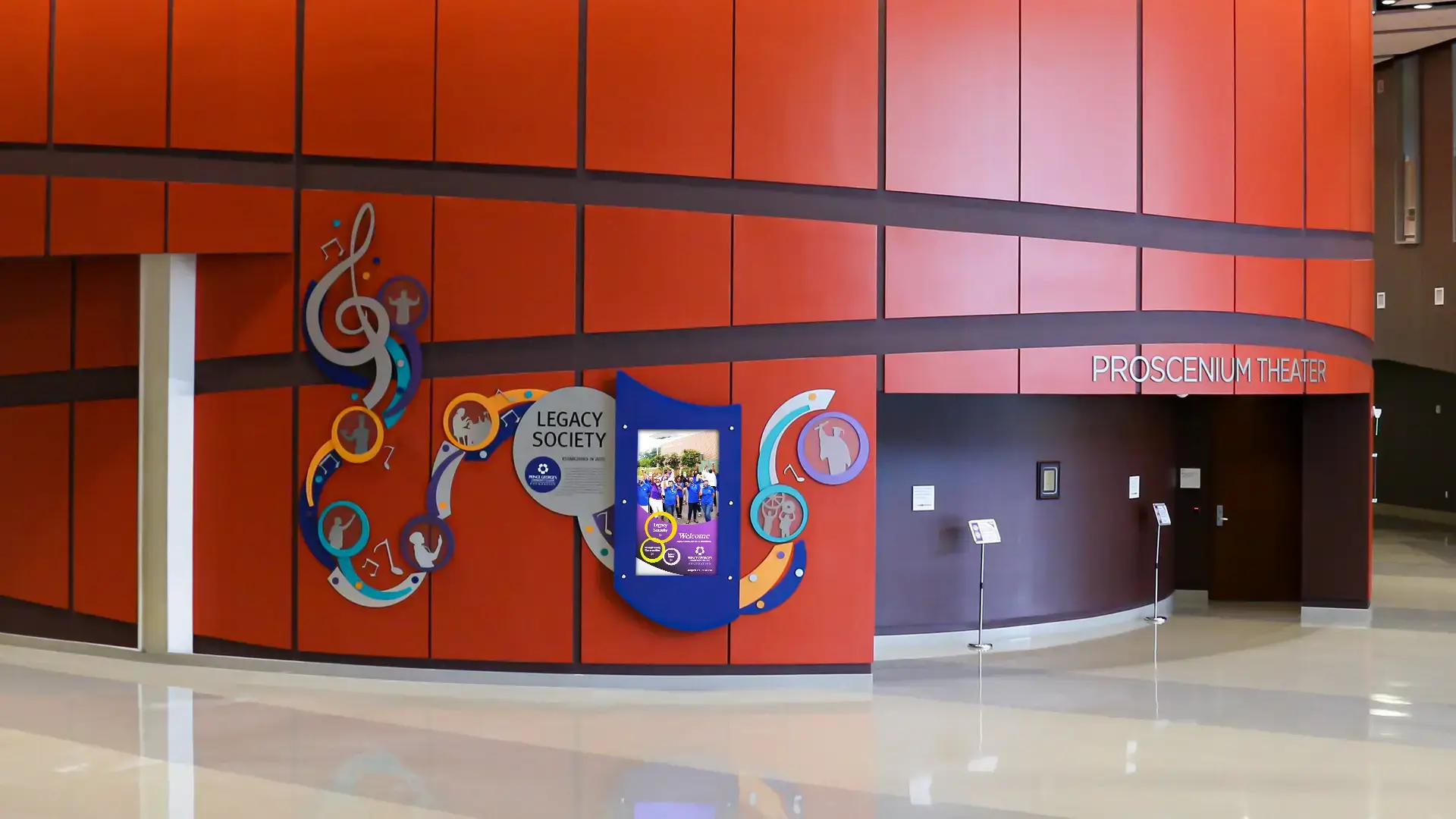
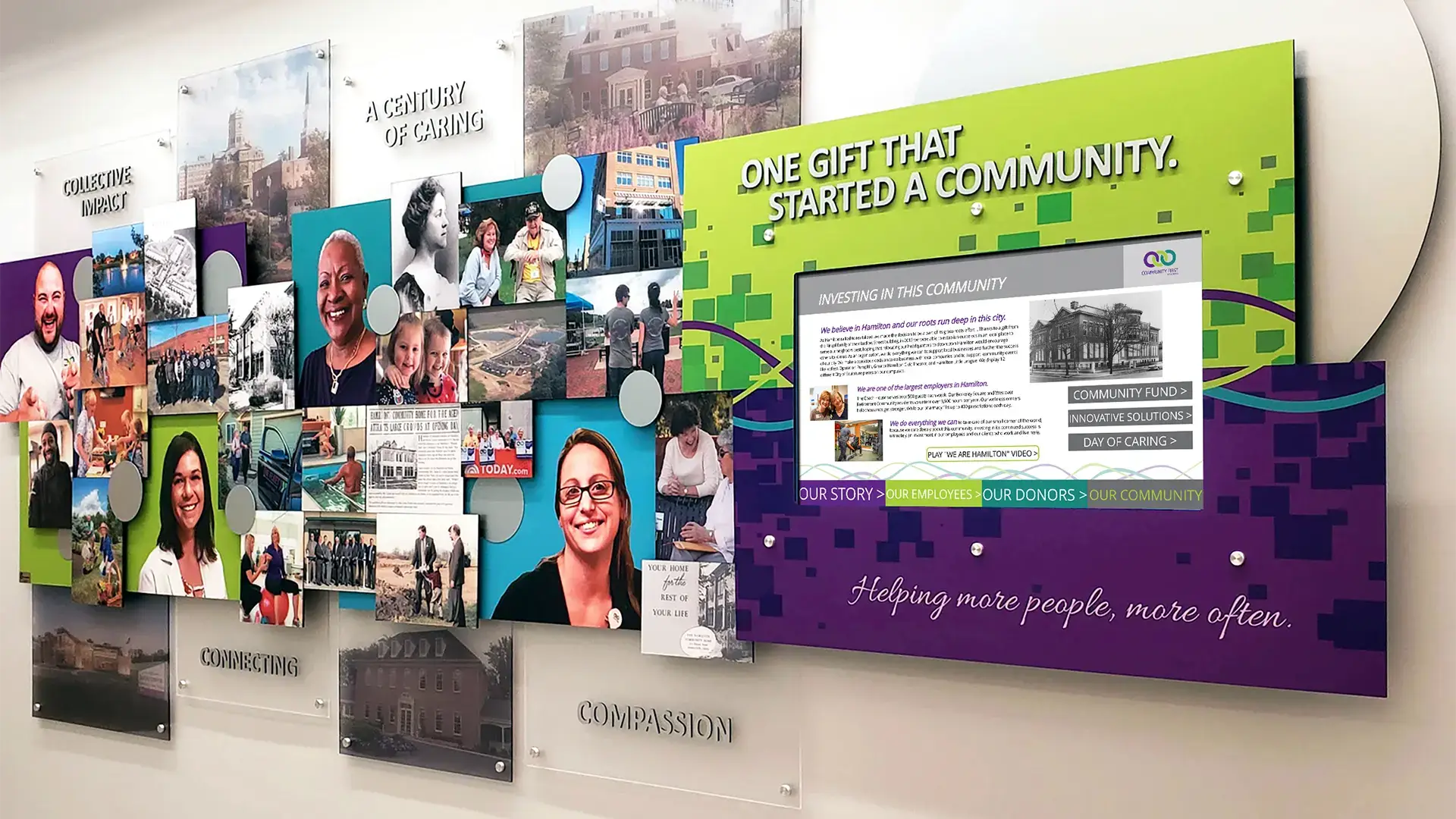
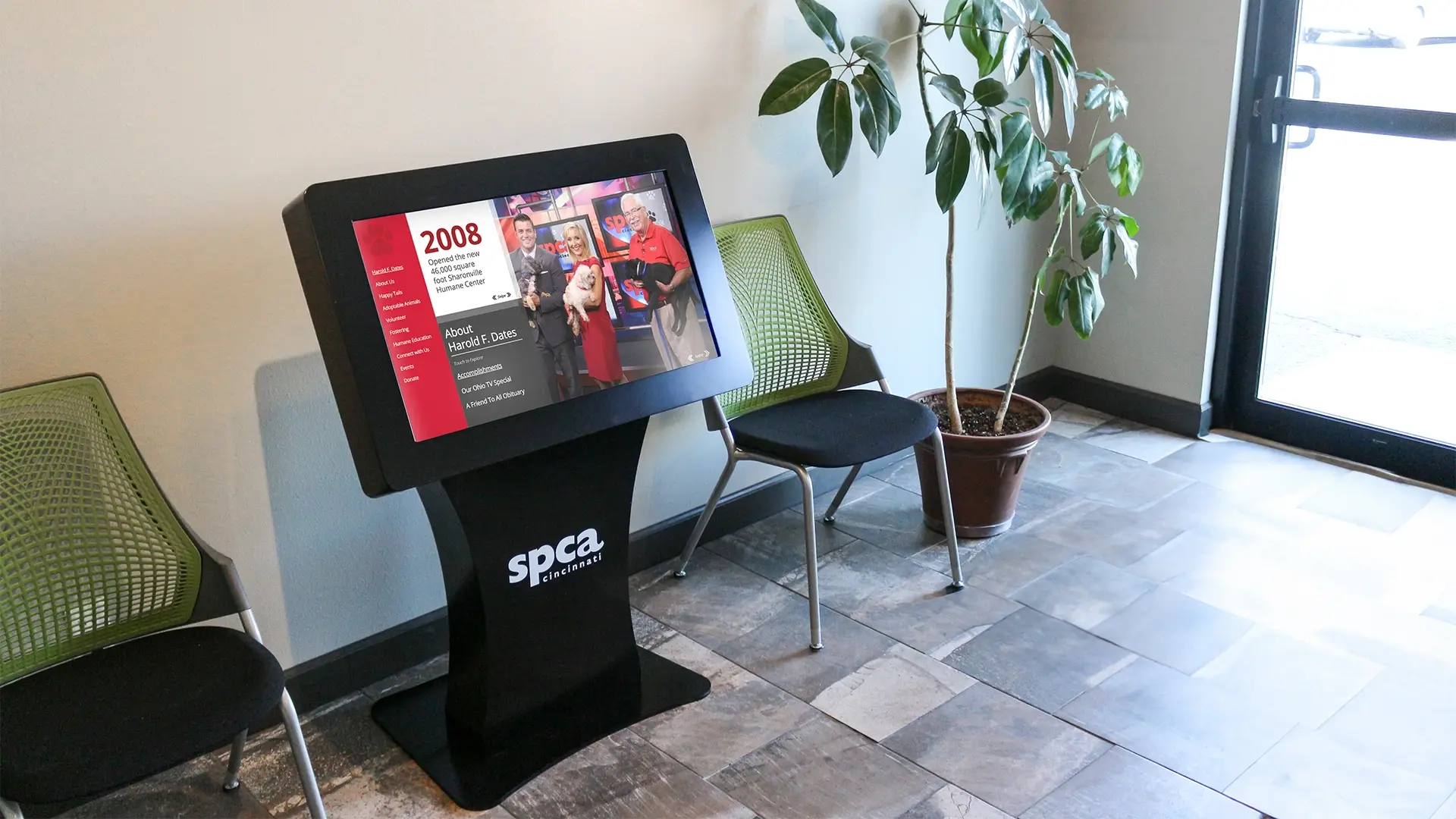
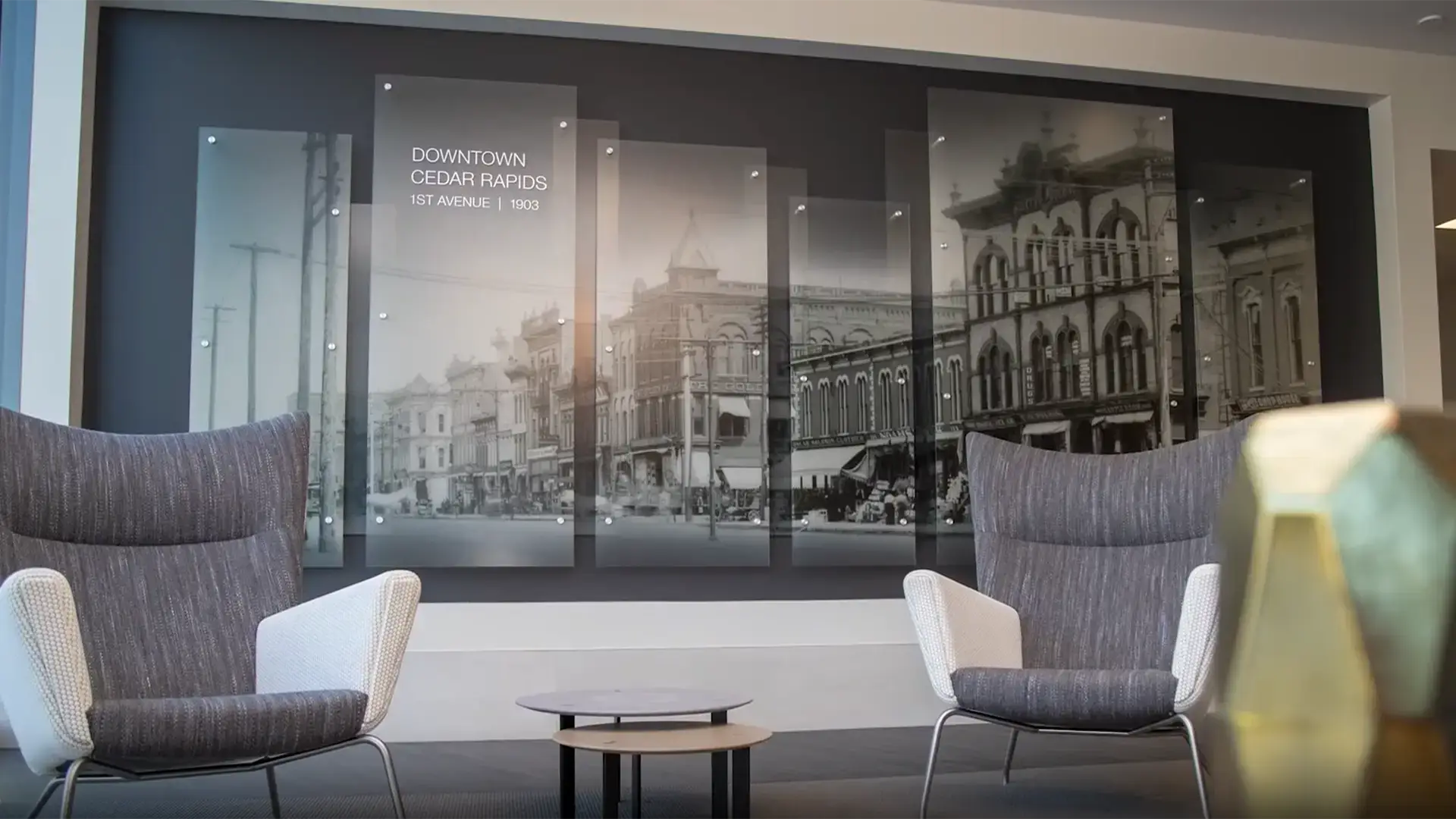
Arreya is a leading digital signage design and fabrication team. We marry quality design with custom engineering, fabrication and installation. We deliver a one-of-a-kind solution that will look professional for years to come for any project or cause. We create visual experiences for schools, colleges, athletic departments, hospitals, corporate lobbies and foundations.
Built to your specifications, we can create a kiosk to give your brand incredible visibility for any theme or idea. If you can imagine it, our team can build it. When you choose Arreya, you get a quality constructed kiosk made to your specifications, built with pride in the USA, and we oversee installation. You get a great product from professionals who care about quality and the longevity of your investment.
Arreya has an on-site engineering and fabrication team that creates and builds custom screen surrounds. We have decades of experience bringing ideas to life and our team can produce any sized project. You can have us build a one-of-a-kind impactful visual experience plus work with us to design a custom display to fit your space and leave a lasting impression.
If you’re looking to have more than just a screen on a wall we can provide solutions to enclose your screen and turn it into a custom display. Our team can help you find the right enclosure to work with your content, brand, identity and fit your space and features.