

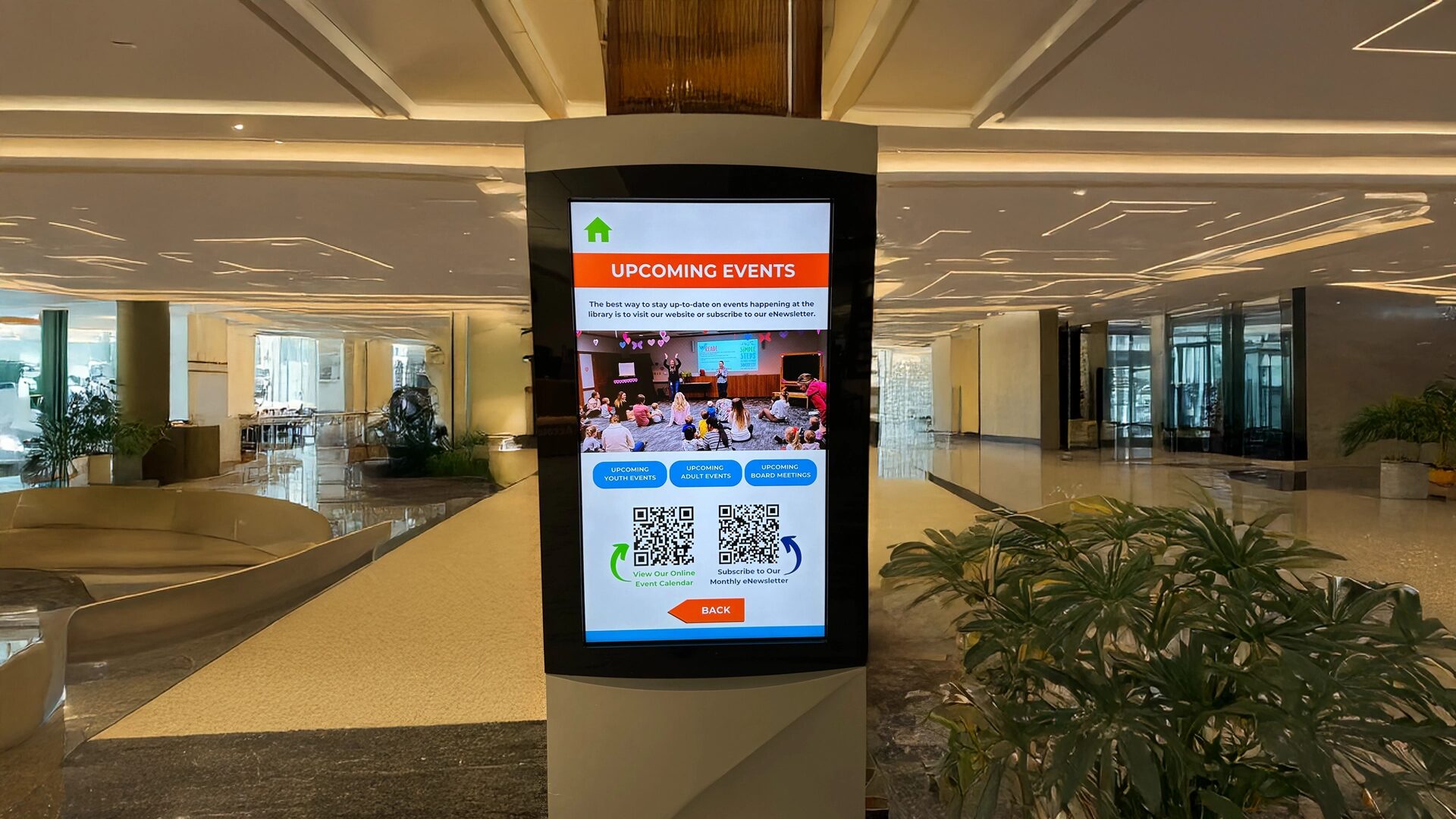
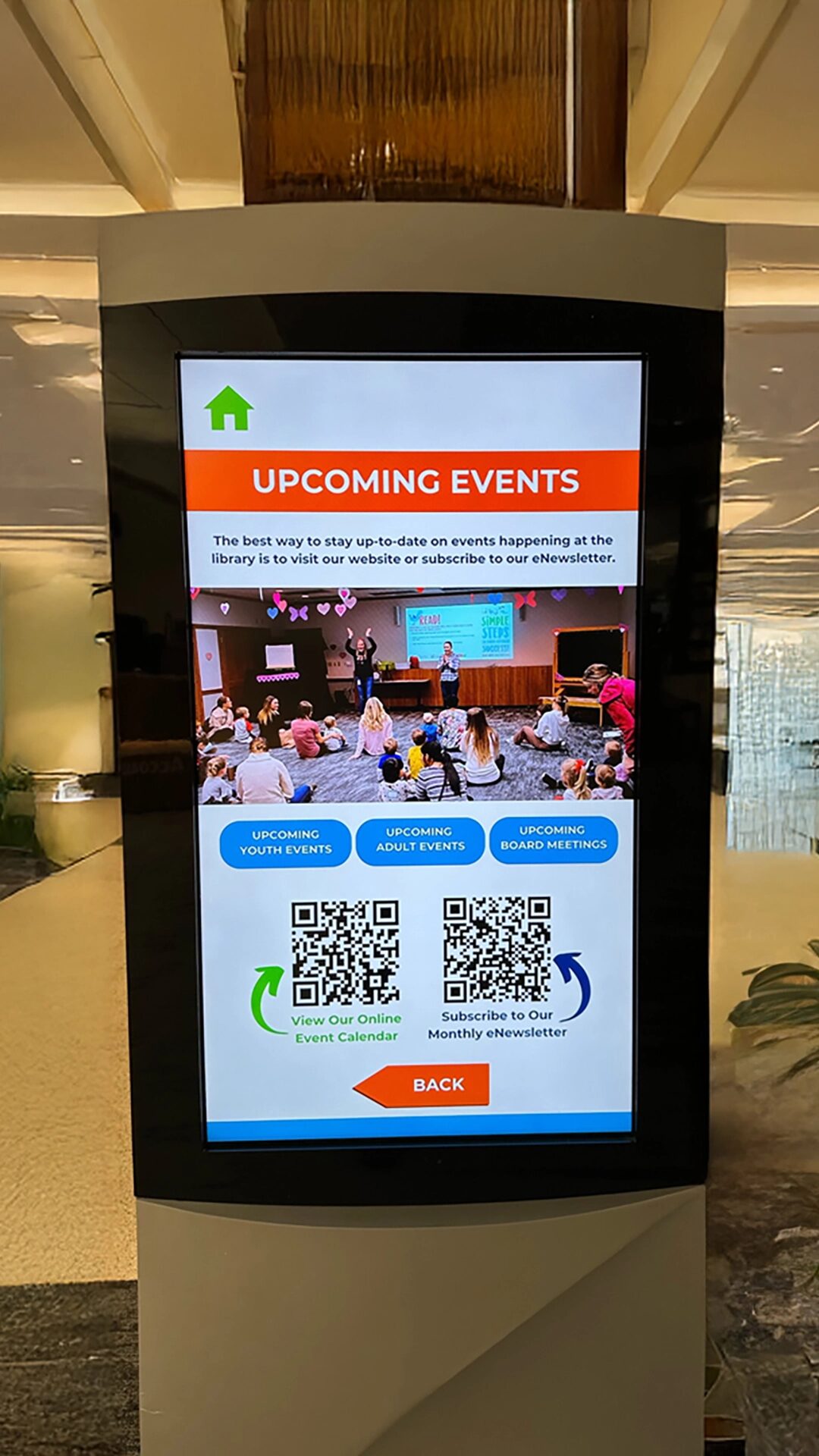
QR codes in digital signage bridge the gap between passive viewing and active engagement by allowing viewers to “take the content with them” on their smartphones.
In an era of short attention spans, a digital sign should do more than just display information; it should trigger action. By using digital signage QR codes, you transform your digital signage screens into a launchpad for deeper interaction. Whether you are a company looking to boost engagement or a restaurant needing to share a restaurant’s menu, these codes provide a more interactive experience that respects your audience’s time.
Key Takeaway: A quick scan turns a digital message into a mobile tool, ensuring your messages aren’t lost the moment a potential customer’s attention shifts away from the screen.
What is a Digital Signage QR Code?
A digital signage QR code is a scannable barcode image displayed on a digital sign that links physical viewers to digital URLs, files, or applications.
At its core, the QR code acts as a bridge between the sign and the smartphone. Many businesses use free qr code generators or advanced qr code generators to create these links. When people scan the QR code image using their native camera apps, they gain instant access to:
- Website landing pages and promotions.
- Menus for contactless ordering.
- App download links.
- Videos or PDF file resources.
By including a new QR code in your software-managed presentation, you can track how many people interact with your brand in real time.
Why Use QR Codes in Digital Signage?
Businesses use QR codes to turn passive screens into an interactive experience that captures real time data and customer feedback. For customers, the ability to scan a qr code removes the friction of typing long links or searching for a location. For the company, it provides a tool to collect feedback and track usage patterns.
Adding QR CODE widget to your Arreya Digital Signage.
Top Benefits for Engagement
- Data Collection: Gather data on how many people are engaging with specific events or promotions.
- Brand Loyalty: Connect with your audience on social media platforms like Facebook immediately.
- Efficiency: Update a qr code via your digital signage qr management software without reprinting anything.
Can QR Codes Improve Internal Communications?
Using QR codes in internal communications allows organizations to bridge the gap with deskless employees by providing instant mobile access to company intranets, shift schedules, and feedback forms.
In a busy workplace, a digital sign in a breakroom or manufacturing floor is a powerful broadcast tool, but it is often limited by the viewer’s dwell time. By adding digital signage QR codes, you allow employees to “take the information with them” to their workstations or homes. Whether it is a quick scan to fill out a safety report, access the latest benefits package, or connect with the company’s Facebook group for events, these codes turn passive screens into active resources for the entire team.
Key Takeaway: For businesses with non-desk staff, QR codes in digital signage are the primary tool to ensure that every employee—regardless of their location—remains informed and engaged.
What is the FBI Warning About QR Codes?
The FBI warns that cybercriminals can use fraudulent QR codes (a tactic called “quishing”) to redirect users to malicious websites that steal personal data or install malware. To protect your customers, always display your code in a secure location where it cannot be easily tampered with or covered by a malicious sticker. Arreya’s digital signage QR solutions are managed through a secure cloud-based CMS, ensuring the digital sign only displays the links you control.
What is Replacing QR Codes?
While QR codes remain dominant, they are being supplemented by NFC tags (Near-Field Communication), Bluetooth beacons, and visual search technology like Google Lens.In the future, we may see more different types of “tap-and-go” technology like NFC. However, QR code technology remains the most cost-effective tool because it doesn’t require extra hardware—just a smartphone.
| Technology | Best Use Case | Requirement |
| QR Code | Universal signage | Camera App |
| NFC Tag | Close-range “taps” | NFC Chip |
| Bluetooth | Proximity messages | App + Bluetooth |
3 Tips to Effectively Display QR Codes
To ensure your digital signage qr codes actually get scanned, follow these best practices:
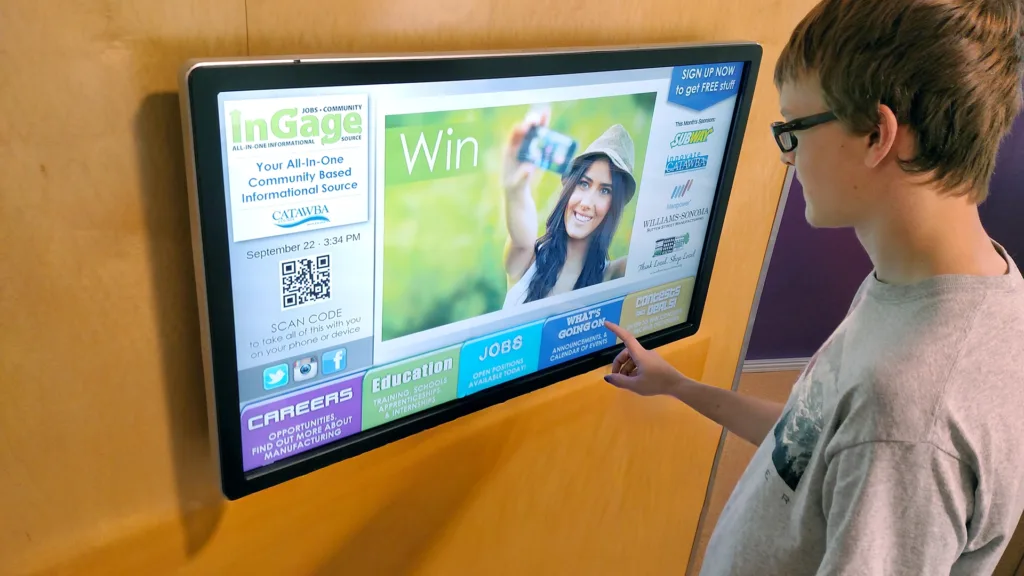
- Size Matters: A QR code image on a screen must be large enough for customers to scan from several feet away.
- Provide a “Why”: Don’t just display the code. Use a call-to-action like “Scan to fill out our feedback form” or “Download our app.”
- Mind the Timing: If your sign is part of a rotating playlist, give the audience enough time (at least 15–20 seconds) to pull out their smartphone and scan.
The Arreya Advantage
With Arreya, you can integrate interactive elements directly into your creative layouts. Our software allows you to track scans and control every address your QR codes point to from a single central dashboard.

Conclusion: Bridging the Digital Divide
Using QR codes in digital signage is no longer optional for businesses that want to stay relevant; it is the most effective way to transfer your brand message from the wall to the pocket.
By following these guidelines, you can create an interactive environment that respects data privacy while providing immense value to your employees and customers.
Would you like me to help you design a custom QR-enabled layout for your next digital signage presentation? Email us at Support@arreya.com or call us at 319-294-6671.