School Digital Signage
Transform Your School's Culture With Arreya Digital Signage
Digital signage gives your campus a central, high-visibility platform to celebrate student achievements, streamline cafeteria menus, and deliver real-time emergency alerts. Arreya empowers administrators to update every screen instantly through a cloud-based Creative Studio — zero IT lift, no coding required.
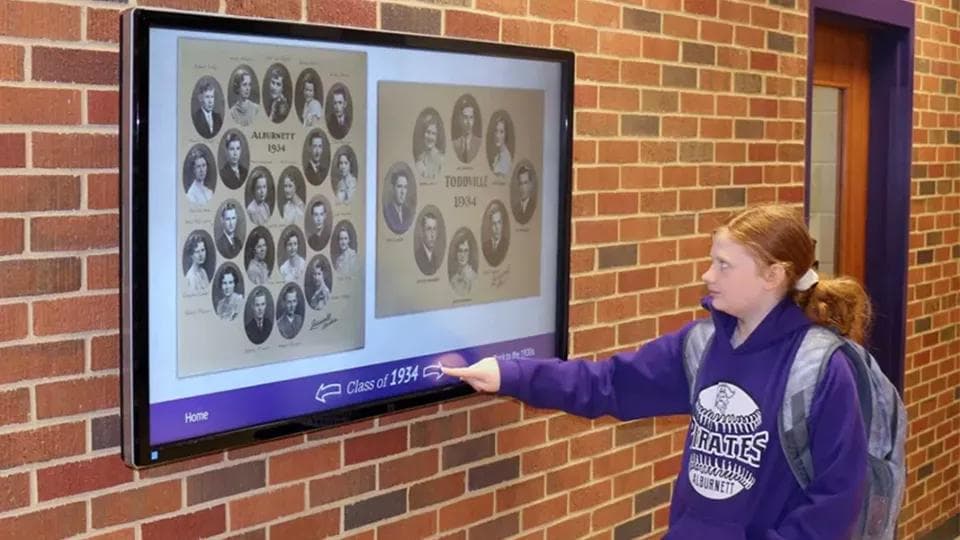
Why is communication critical for modern school campuses?
Effective campus communication is about more than relaying information — it builds community. In a busy school, digital displays serve as the pulse of the building, ensuring students, staff, and visitors feel informed, safe, and celebrated.
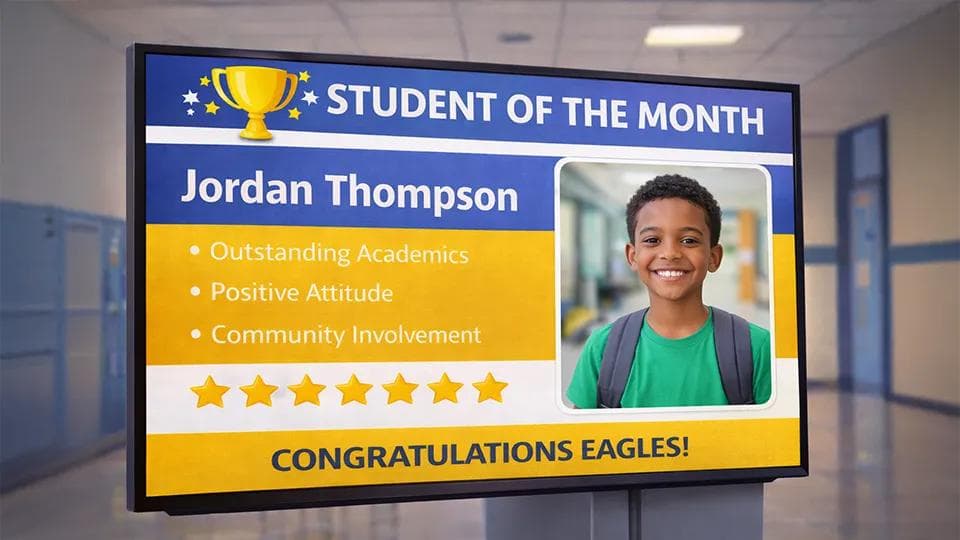
Boost Student Morale
Highlight "Student of the Month," athletic victories, and academic milestones in high-traffic hallways.
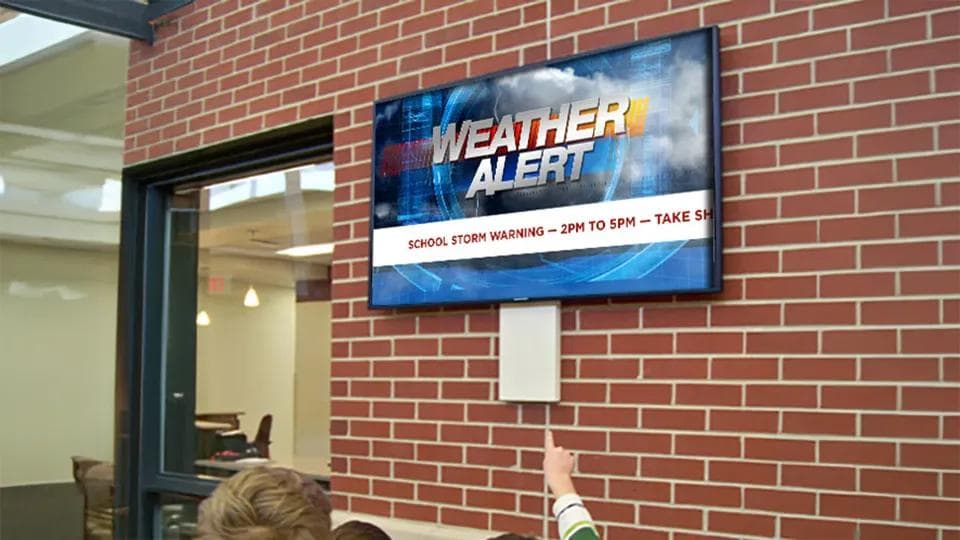
Ensure Campus Safety
Instantly override all displays for weather warnings, fire drills, or campus-wide security alerts.
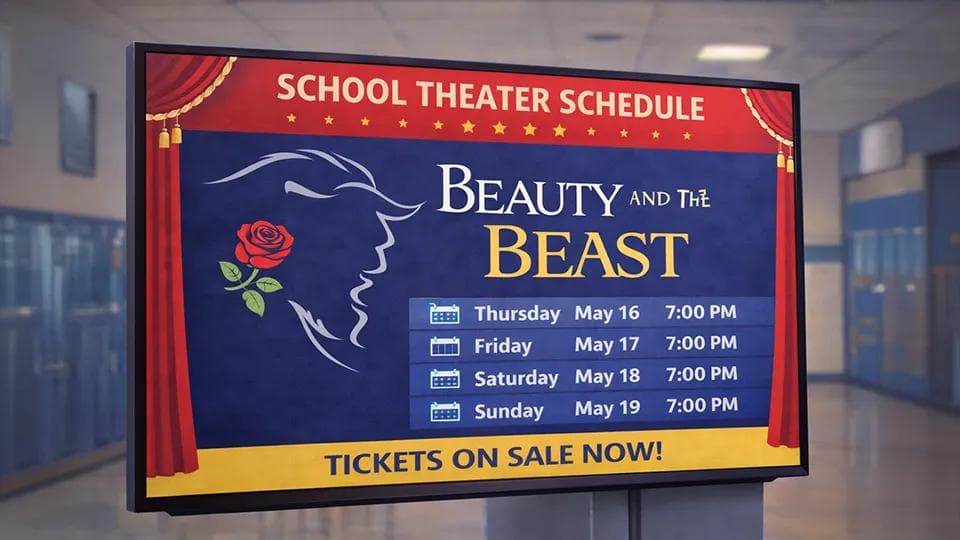
Reduce Information Overload
Replace cluttered paper flyers and ignored emails with vibrant, dynamic visual content that actually catches the eye.
K-12 & Higher Ed
One Platform. Infinite Ways to Connect.
Arreya provides a full-service suite of tools to handle every aspect of school life. Our platform isn't just a screen — it's a window into your school's success.
- Digital Cafeteria MenusAuto-schedule breakfast and lunch menus with nutritional information and vibrant food photography.
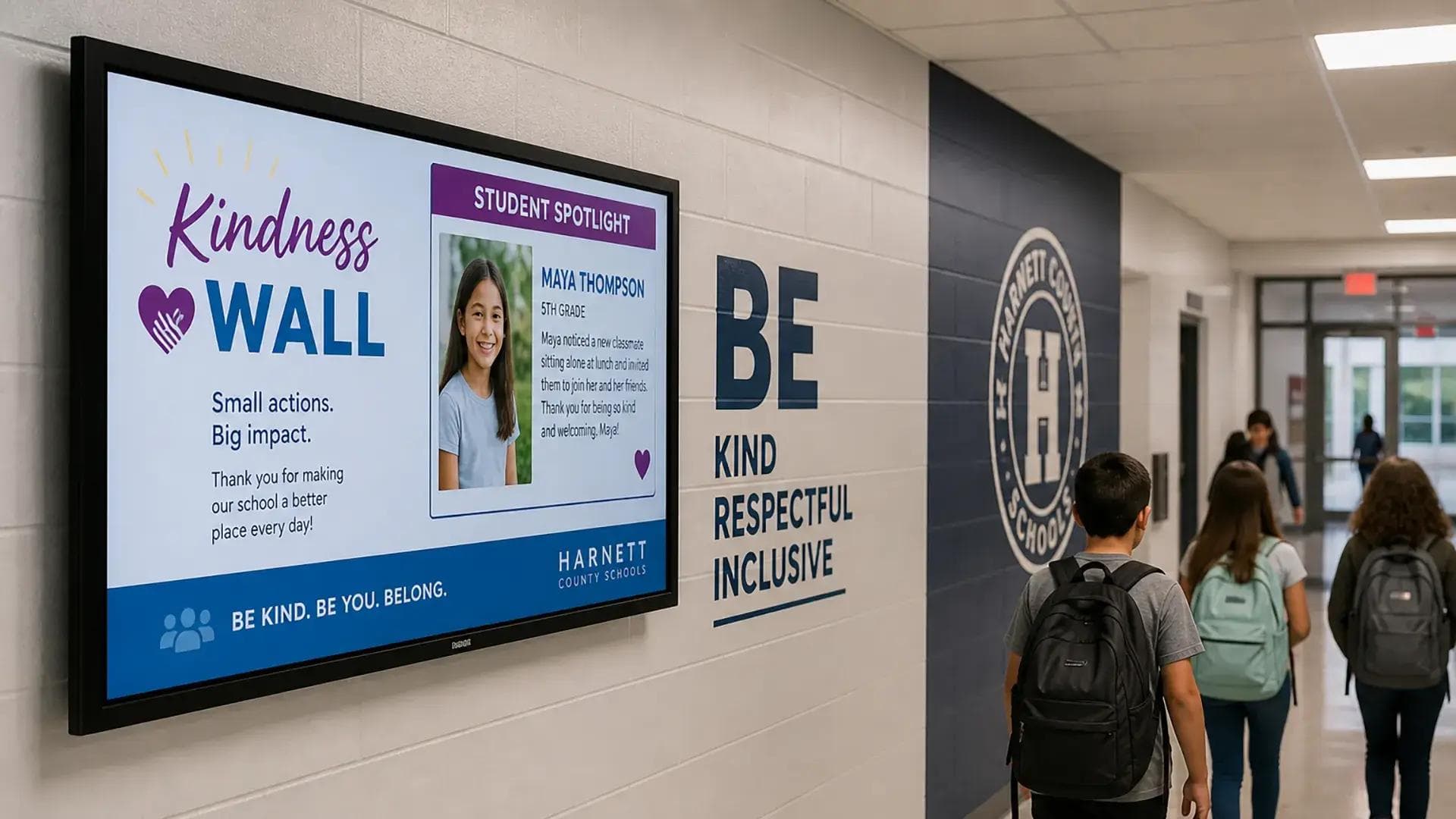
- Student Recognition Walls
- Wayfinding & Event Schedules
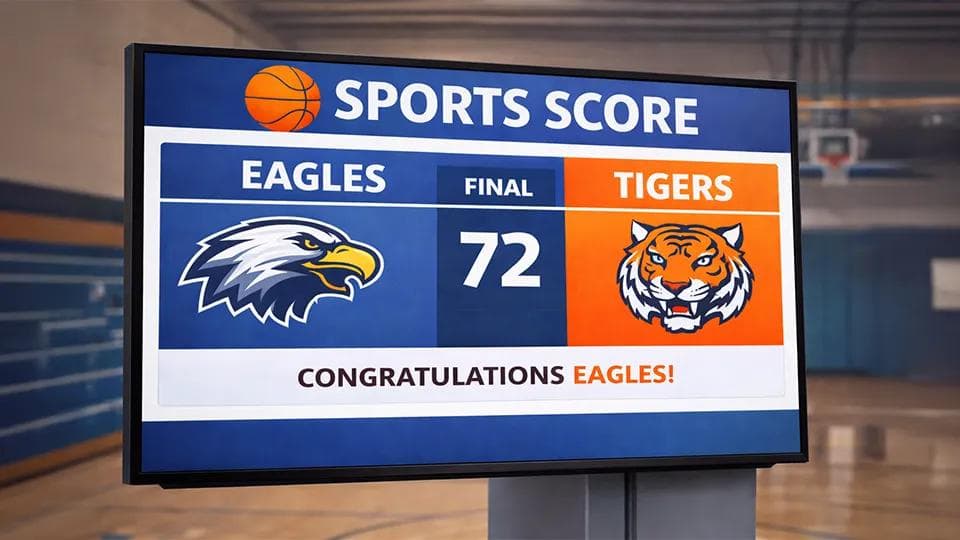
- Sports & Spirit
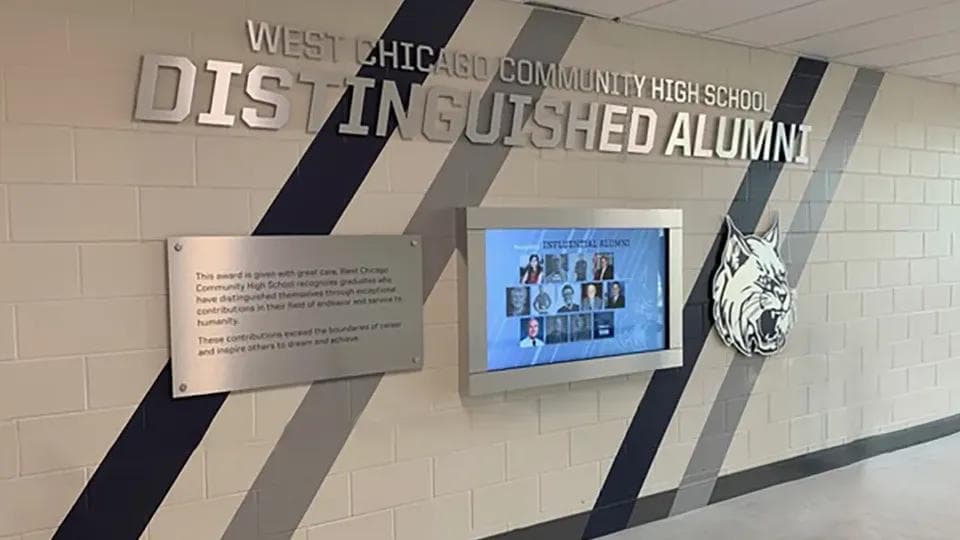
- Alumni Walls & Hall of Fame Displays
Social & Emotional Learning
Amplify Your SEL Impact Beyond the Classroom
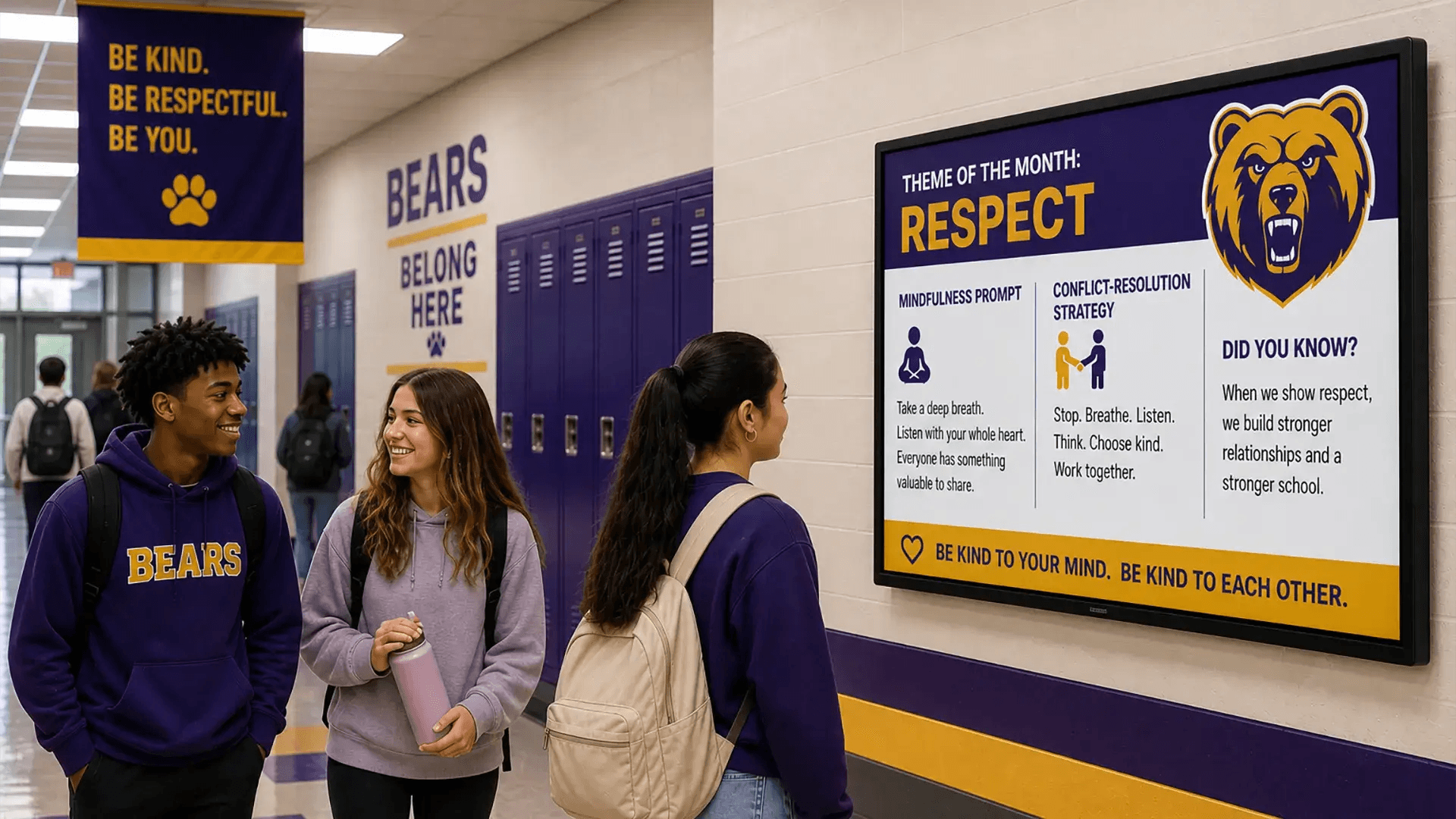
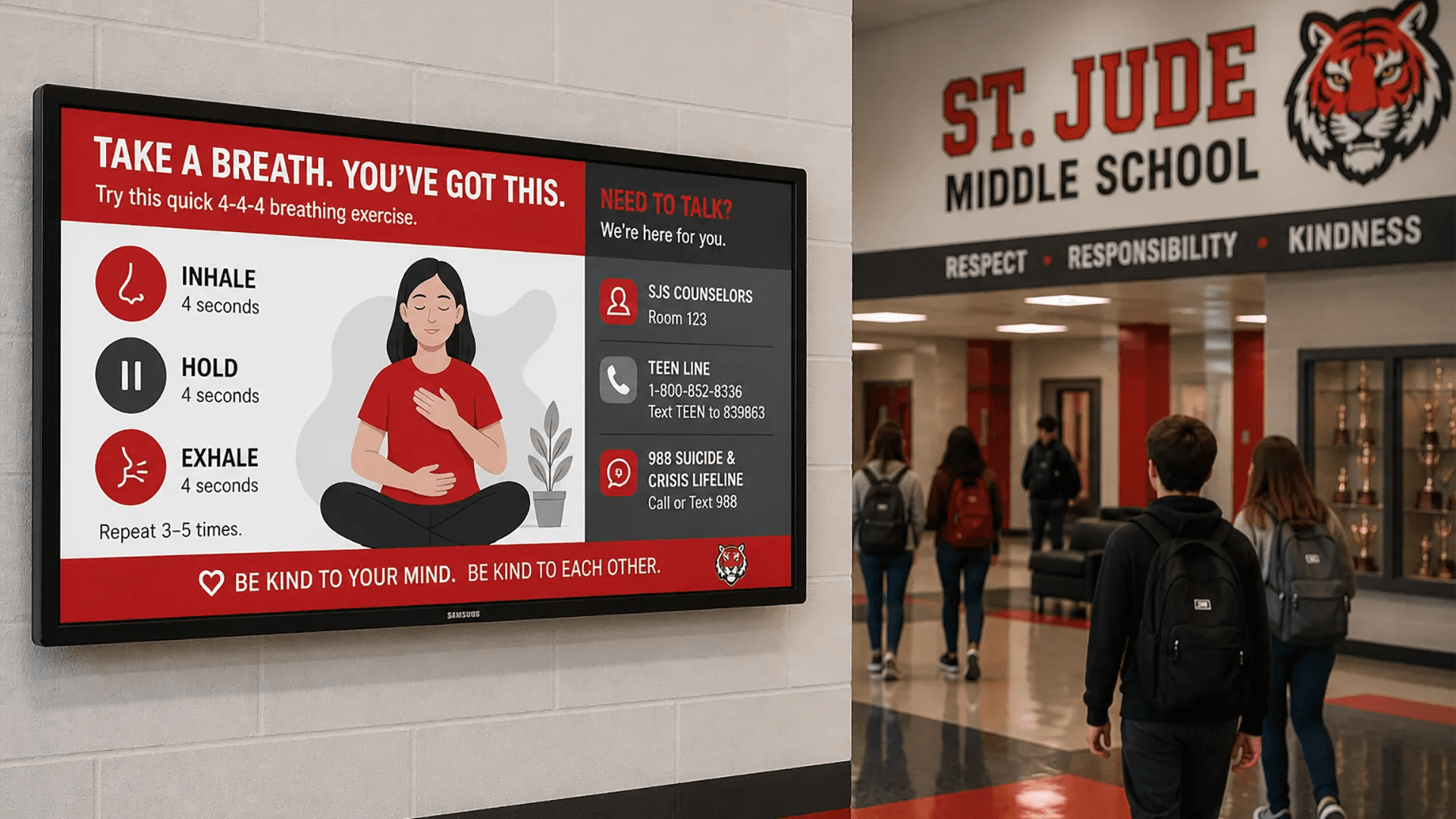
Arreya turns your hallways and common areas into a 24/7 reinforcement system. By making SEL programs like Second Step or Positive Action visible through dynamic digital signage, every student gets the visual nudges they need to build resilience, empathy, and responsible decision-making in real time.
- Visual ReinforcementDramatically increase student recall of SEL lessons with rotating themes, mindfulness prompts, and conflict-resolution strategies displayed campus-wide.
- Positive School Climate
- Real-Time Wellness Tools
- Zero-Lift Management
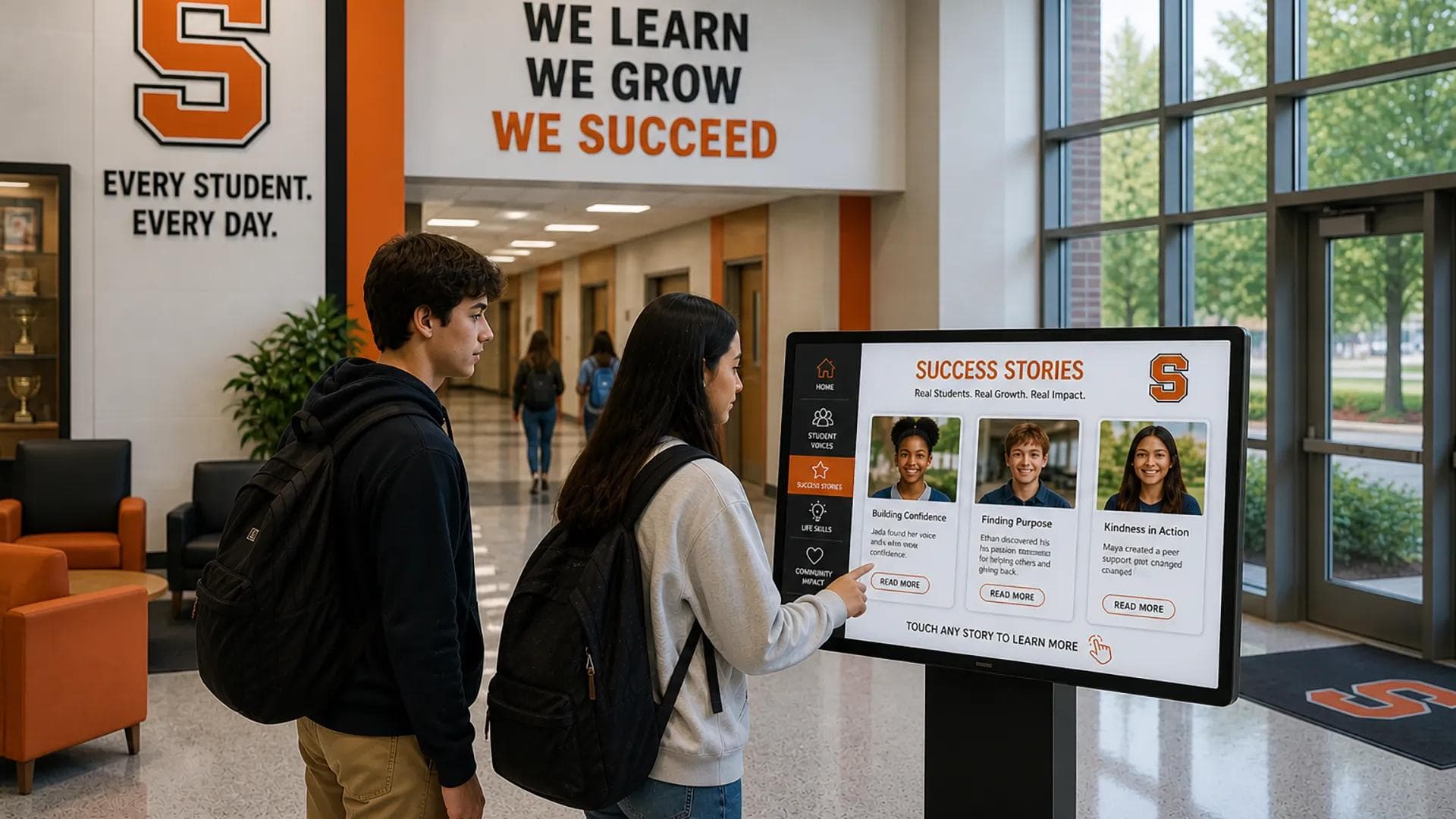
- Interactive Engagement
In the Field
How districts and schools are using Arreya.
LCS District
See how a district with over 100 schools and 83,000 students uses Arreya to manage district-wide communications, live-stream public board meetings, and empower staff in every building to update content.
Open Case StudyFranklin Middle School
Discover how Arreya helps engage a diverse student body, including at-risk students, by creating a platform for student recognition with content that motivates and inspires throughout the day.
Open Case StudySomerset School District
Learn how this progressive district replaced its old PA system with student-led video announcements, giving students hands-on technology experience and keeping the community connected.
Open Case StudyMany Schools and Districts Are Already Using Arreya
The Arreya Legacy
Engineering trust for your school's communication.
With over 26 years of experience and 1,000+ completed projects, Arreya is a pioneer in merging art and engineering. We are storytellers first.
Years of Experience
Completed Projects
US-Based Support
Zero IT Lift
Because Arreya is cloud-based and intuitive, your communications team has total control — with no technical burden on your IT staff.
Live US-Based Support
Get a live human on the phone in the US whenever your staff needs help. We support you through every step of setup.
Secure Hardware Choices
We help you choose the device that fits your ecosystem — from budget-friendly Amazon Signage Sticks to enterprise-managed Google Chromeboxes.
Reliability
Offline mode keeps content playing even if the network drops, so your screens stay live and your message keeps reaching students.
A Google & Amazon CMS Partner
Approved digital signage that's never "boxed in."
Most platforms lock schools into rigid, boring zones or templates that look like every other screen. Arreya's Beyond Zones design philosophy means your content is never boxed in.
Our Creative Studio works like the design tools your staff already knows. Drag and drop weather widgets, social media feeds, live YouTube streams, and school logos anywhere on the canvas — so your signage becomes a custom-branded showpiece, not a generic template.
- Intuitive Creative Studio IncludedDesign compelling content with ease using the integrated Creative Studio — build and arrange custom messaging with no design software required.
- Manage School Screens From Anywhere
- Interactive Content Creation
- Scalable & Flexible for Your School's Needs
- Devices Your School Can Count On
Download & Share
Resources for your team.
Case Study: Modernizing Campus Comms
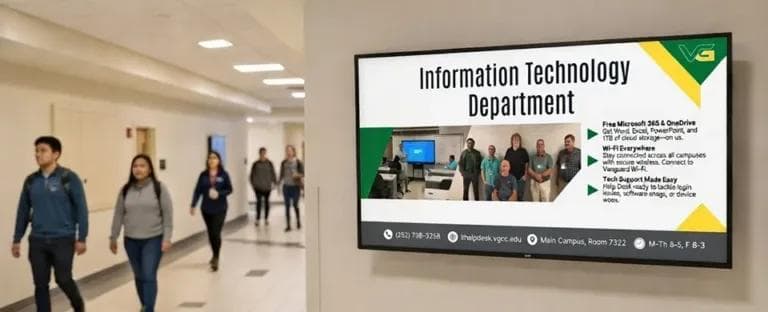
Vance-Granville Community College
VGCC is transforming multi-campus communication with Arreya, replacing bulky legacy hardware — mini-PCs hidden in ceiling tiles that required heavy IT support — with the streamlined power of the Amazon Signage Stick.
Read the Full VGCC Story"I learned it just by clicking buttons. I really do like the product. It makes me happy."
Ready to bring your campus to life?
Don't settle for blank screens or boring templates. Schedule a 15-minute demo to see how simple it is to set up and manage digital signage at your school.
FAQ
FAQs
Find answers to our most frequently asked questions, and please don't hesitate to contact us if you need more information.
Yes. Arreya's drag-and-drop Creative Studio works like the design tools your staff already knows. Every subscription includes a 1-hour training with a platform specialist, and most users are proficient right after onboarding.
Anything from student recognition and athletic scores to cafeteria menus, event schedules, weather widgets, social feeds, live YouTube streams, and emergency alerts — all branded for your school.
Yes. Arreya integrates with Google tools and other third-party sources via widgets, URLs, and API calls so you can surface calendars, sheets, and live content on your screens.
It can. The Amazon Signage Stick is a budget-friendly way to power a screen with Arreya. We'll help you decide where it fits and where managed hardware makes more sense.
Many districts already manage Chrome devices, so an enterprise-managed Google Chromebox slots neatly into their existing ecosystem with centralized control and security.
You can instantly override every display with weather warnings, fire drills, or security alerts, then return screens to normal programming when the event clears.
No. Arreya is cloud-based and intuitive, so your communications team owns day-to-day content without leaning on IT.
Yes. Our US-based support team answers the phone and helps your staff through setup and any questions along the way.